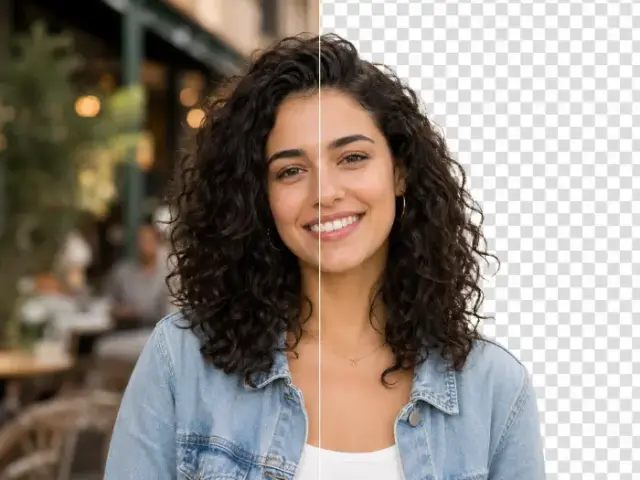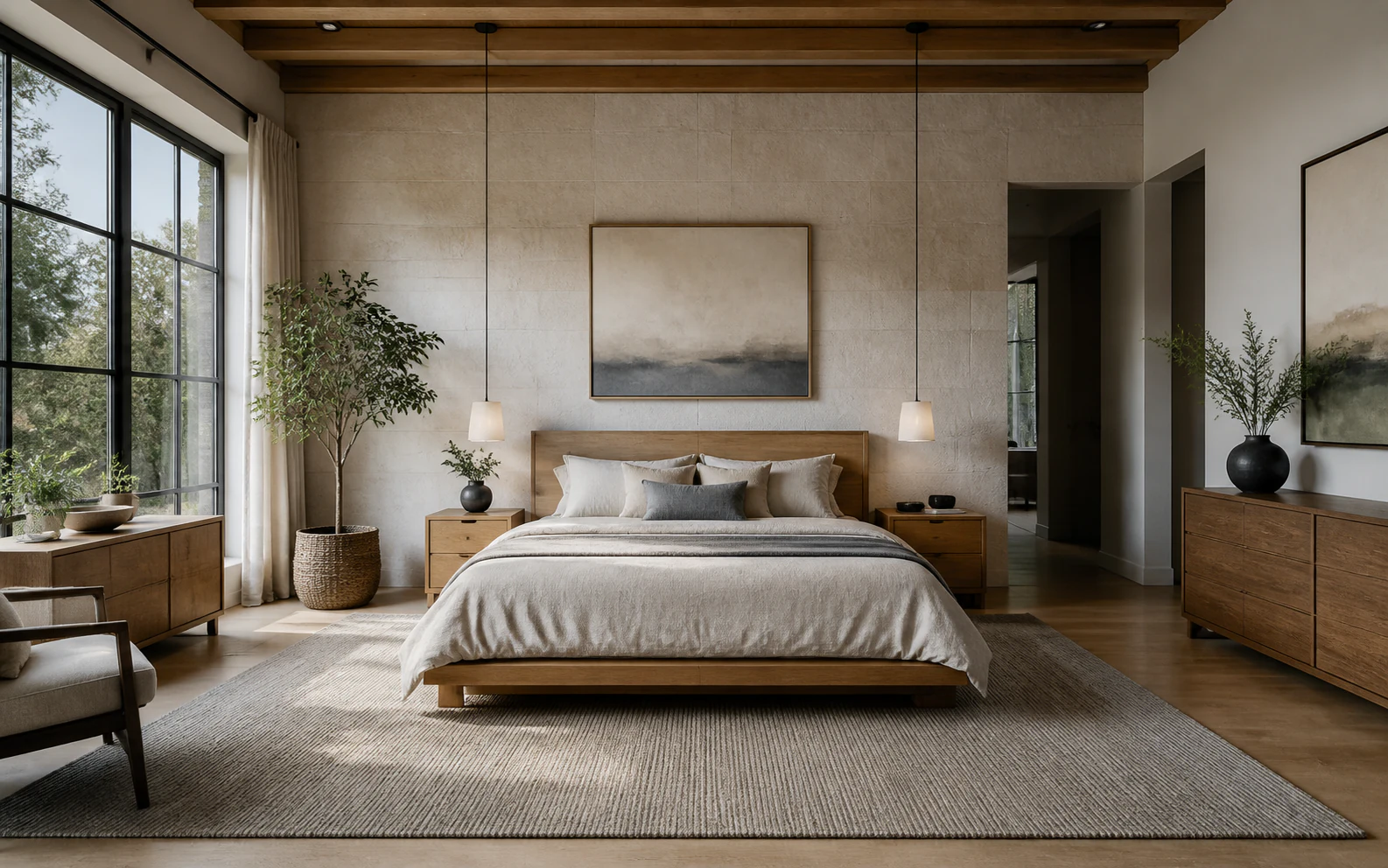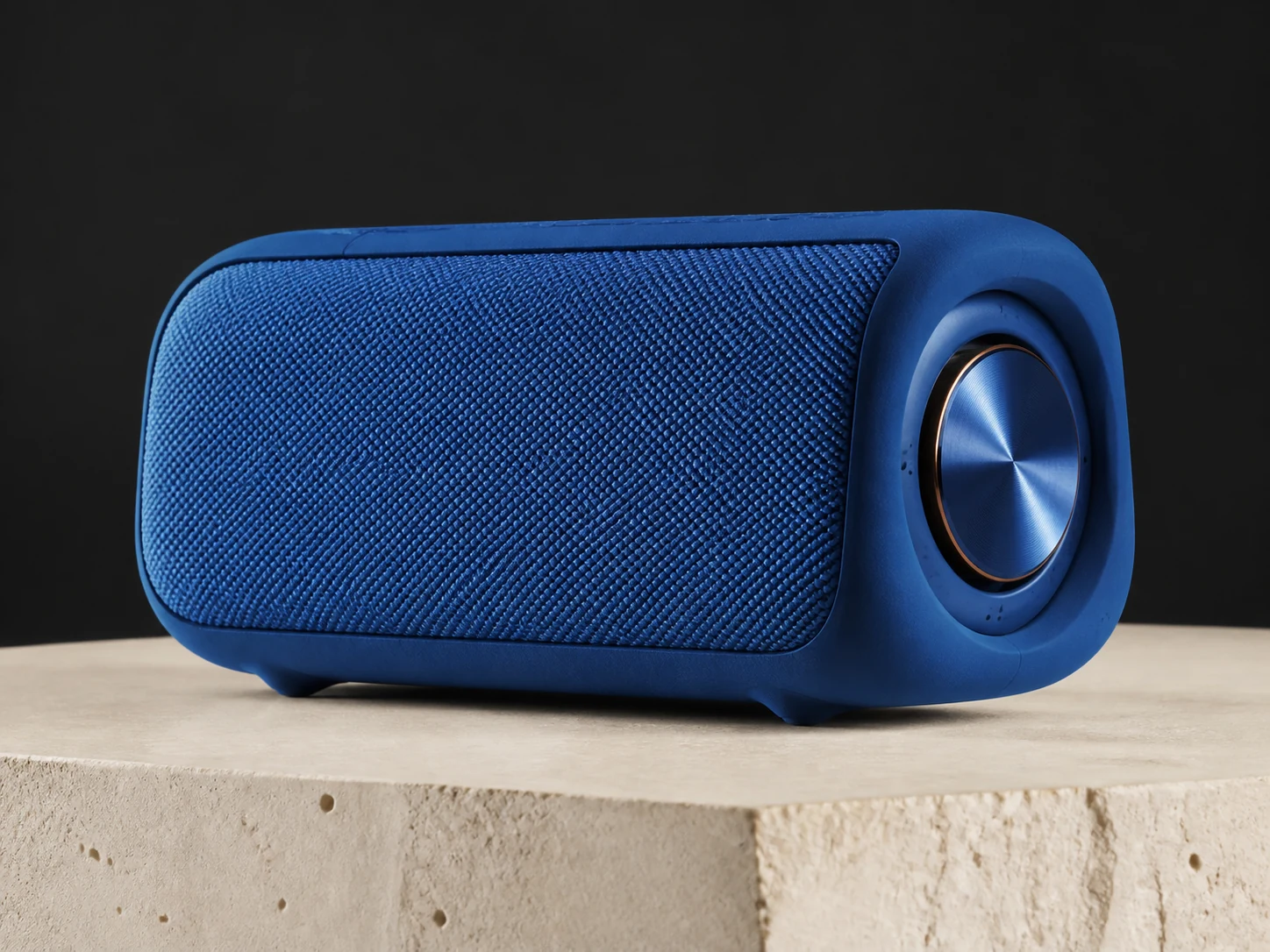
Upload one clear source
Add a JPG, PNG, or WebP up to 10 MB. Transform Style has more useful visual evidence when the subject, silhouette, important edges, and composition are easy to read.
AI image style transfer studio
Transform Style turns one source image into a new visual treatment guided by your words. Upload a photograph or artwork, describe the medium, palette, texture, and mood, and let Transform Style reinterpret the frame without asking you to rebuild the scene from scratch.
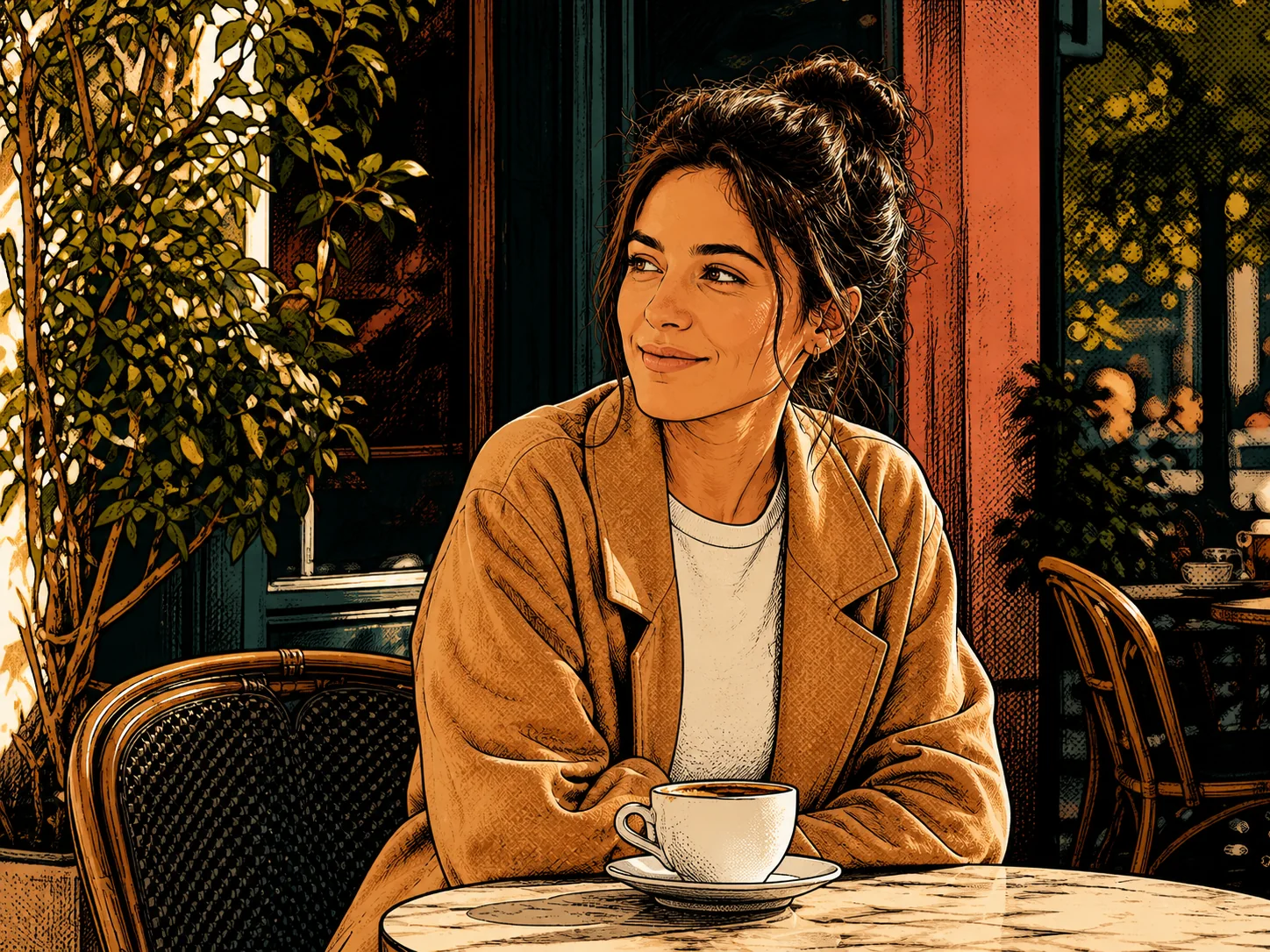
Upload one image, then write the style you want. Transform Style uses the real image-editing workflow, requires sign-in and available credits, and returns a generated result you can preview and download.
Transform Style before and after
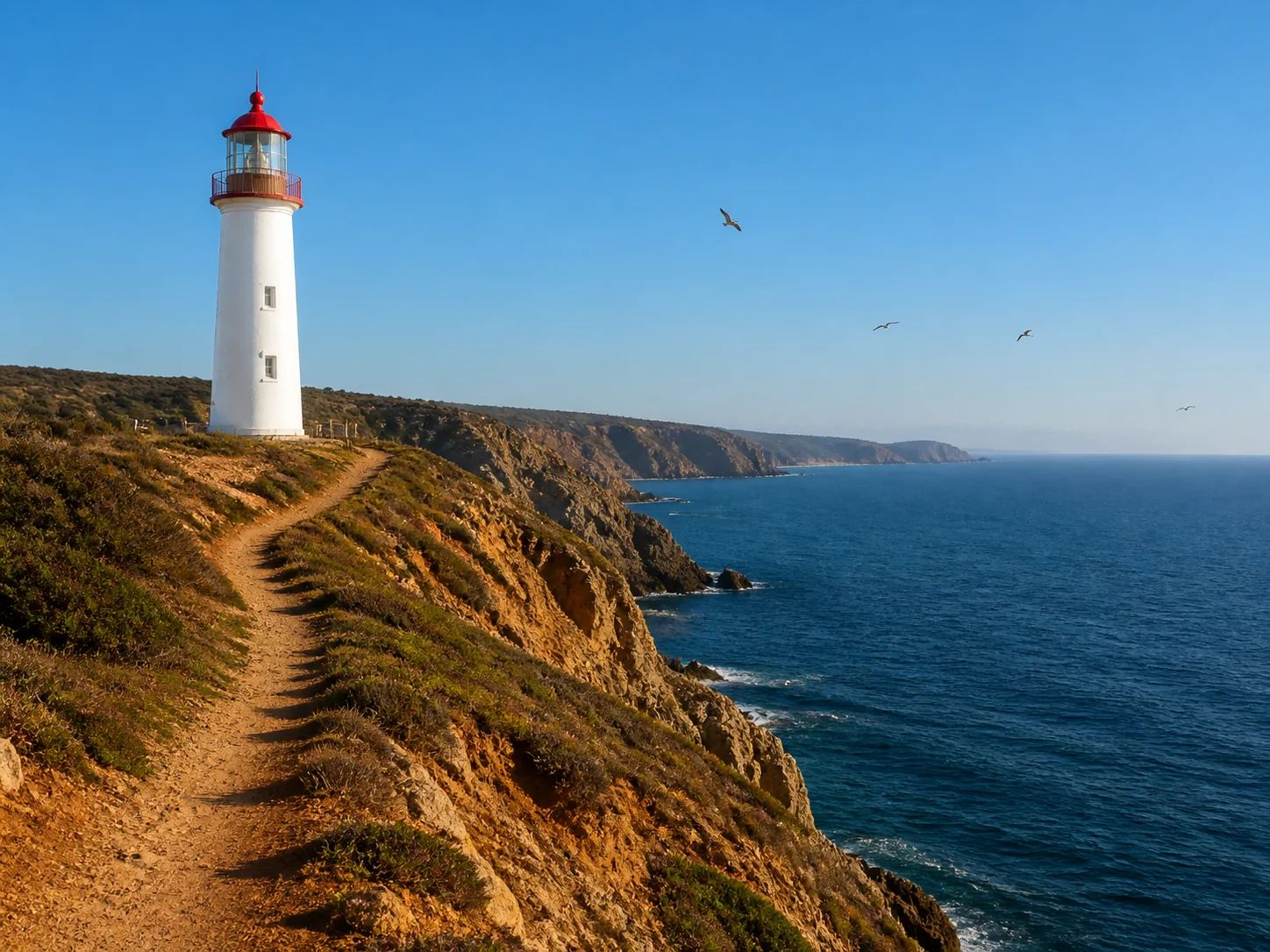
Drag across the lighthouse to study a precise Transform Style example. The location, path, horizon, and lighthouse remain recognizable while photography becomes textured gouache. Transform Style works best when your prompt names both what should change and what must stay consistent.
Try Transform Style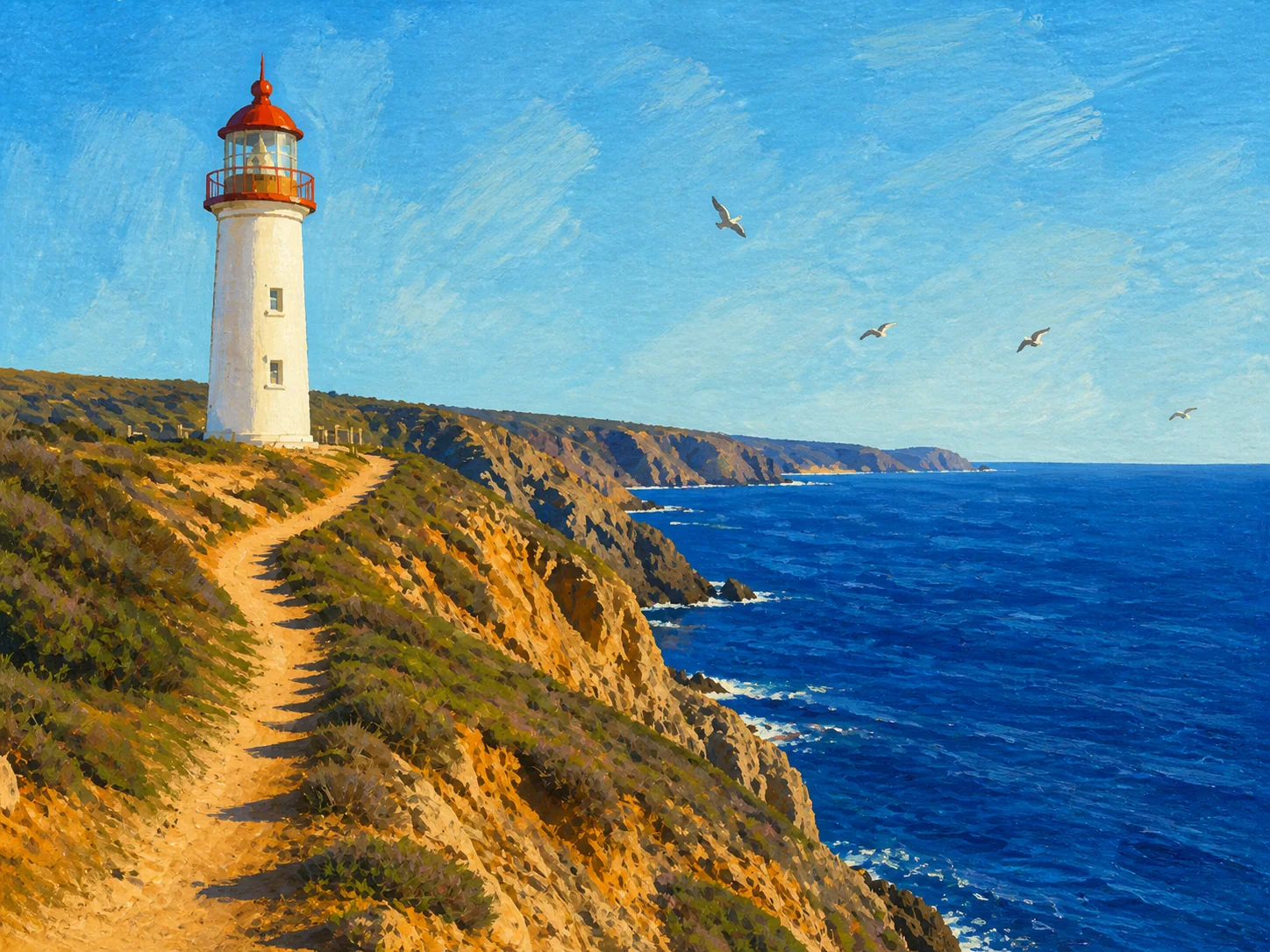
Workflow / 03 steps
Add a JPG, PNG, or WebP up to 10 MB. Transform Style has more useful visual evidence when the subject, silhouette, important edges, and composition are easy to read.
Tell Transform Style the medium, texture, palette, lighting, and mood you want. Add a preservation sentence for identity, pose, product shape, architecture, or camera framing.
Choose an aspect ratio that matches the source, run Transform Style, and open the result at full size. Compare faces, hands, outlines, small objects, and repeated geometry before download.
Three controlled transformations
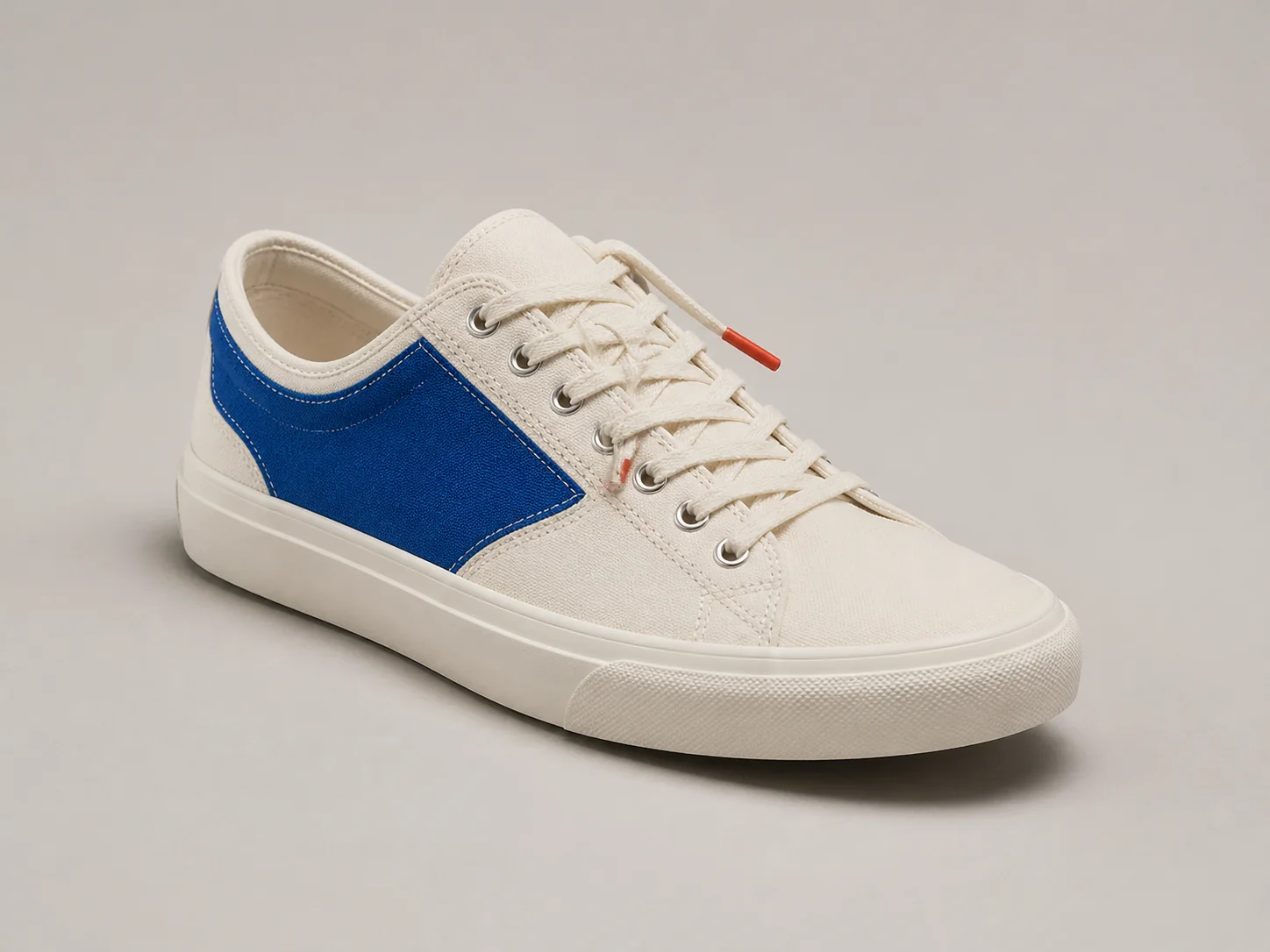
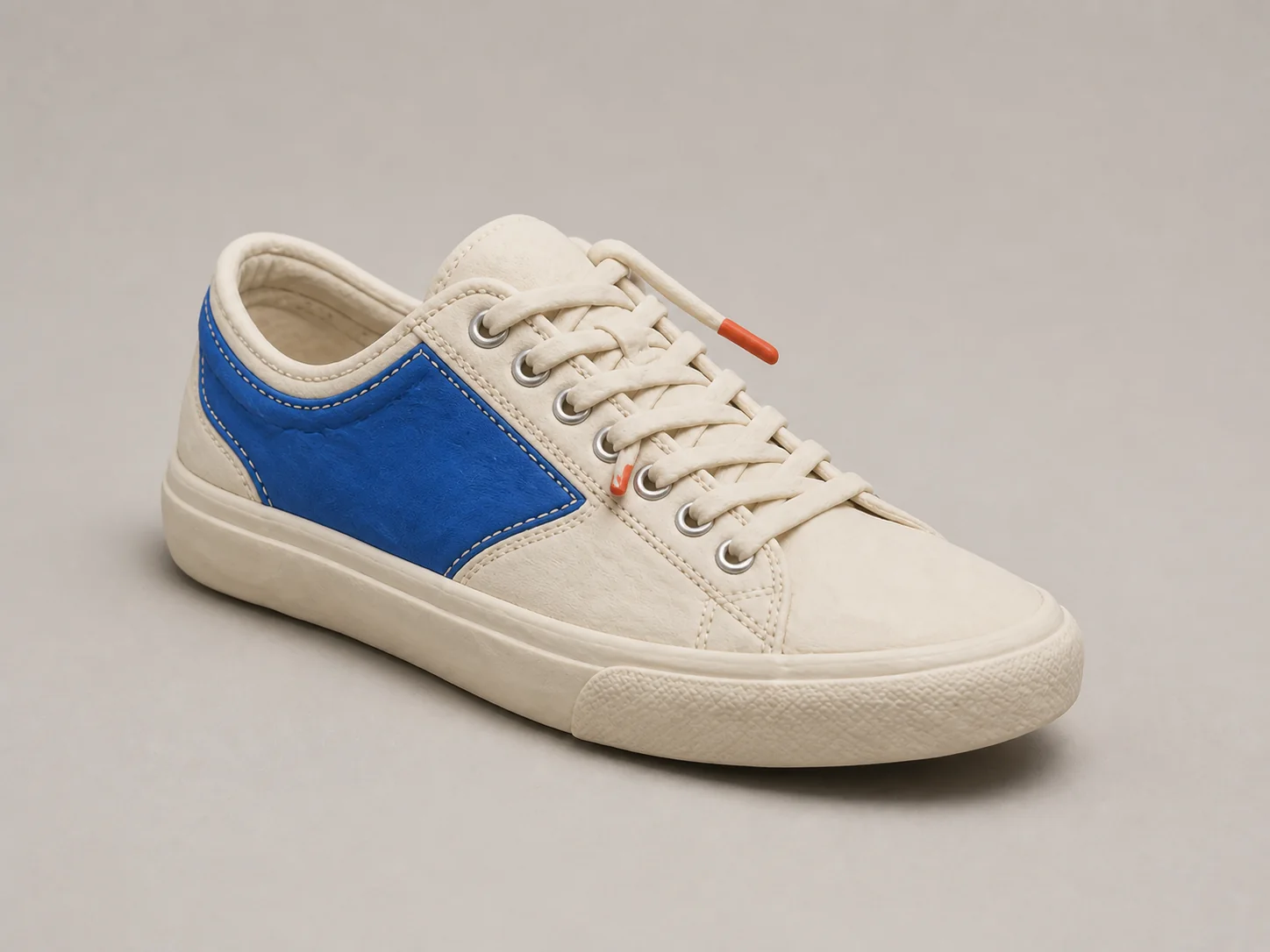
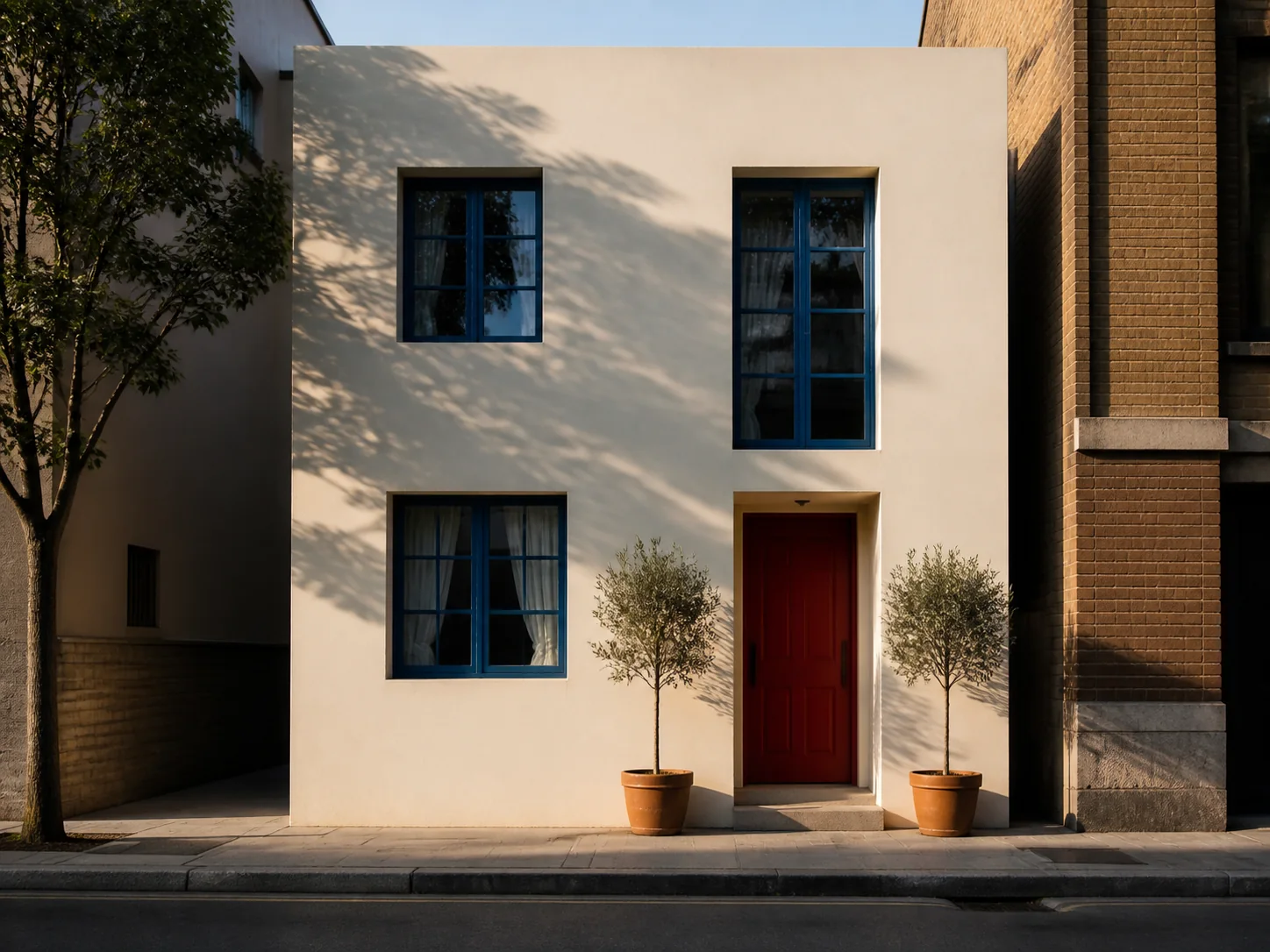
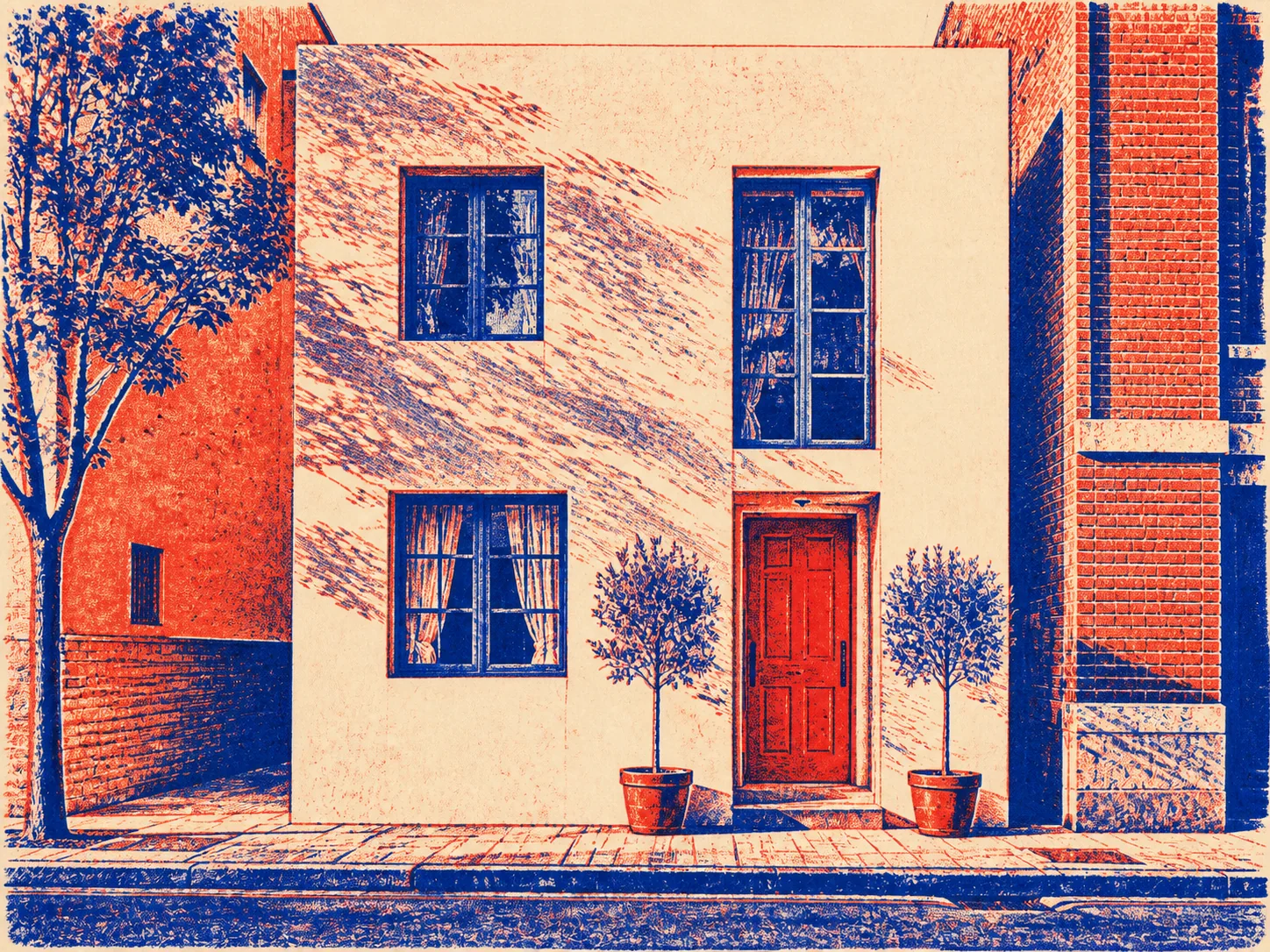
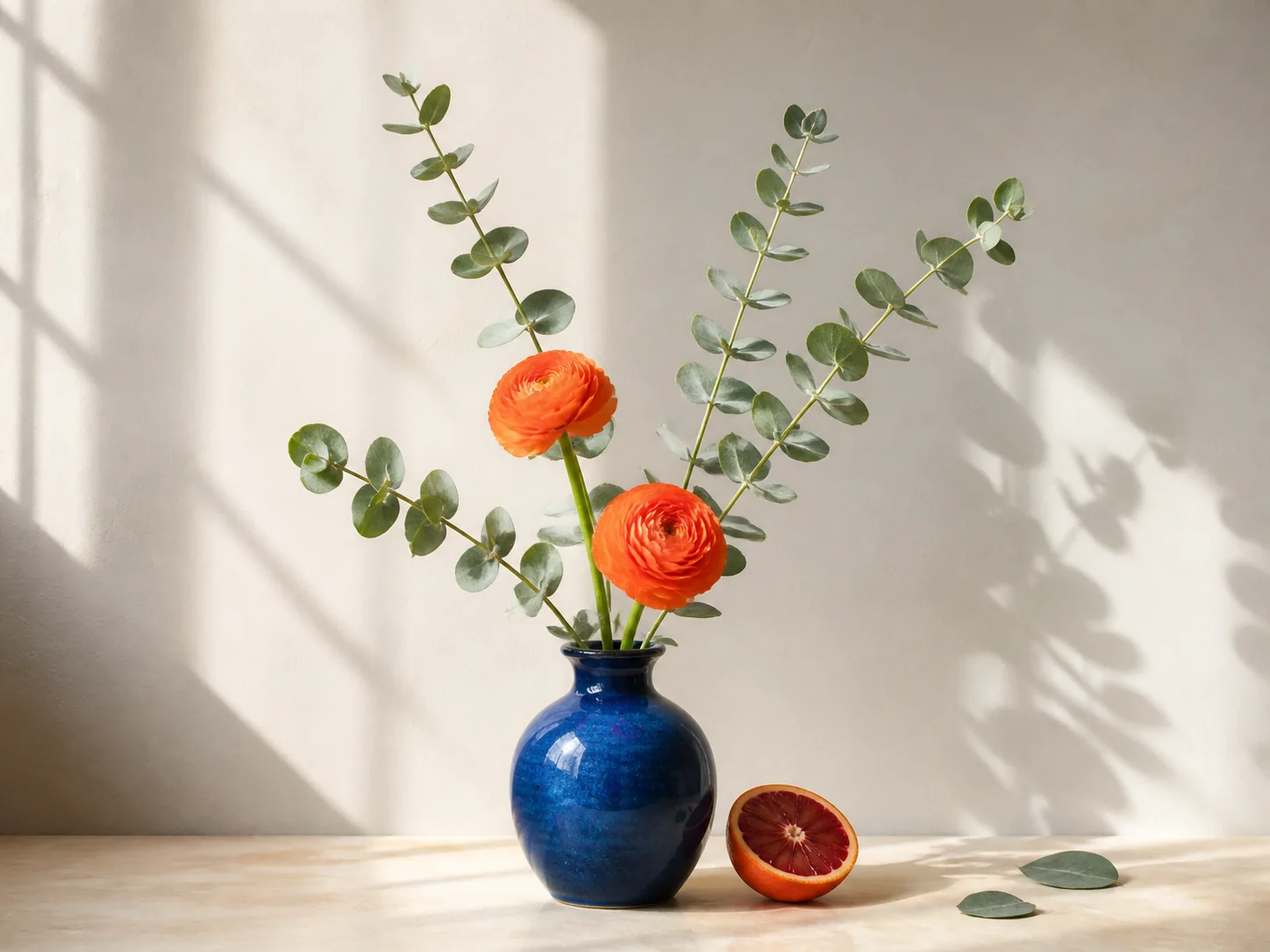
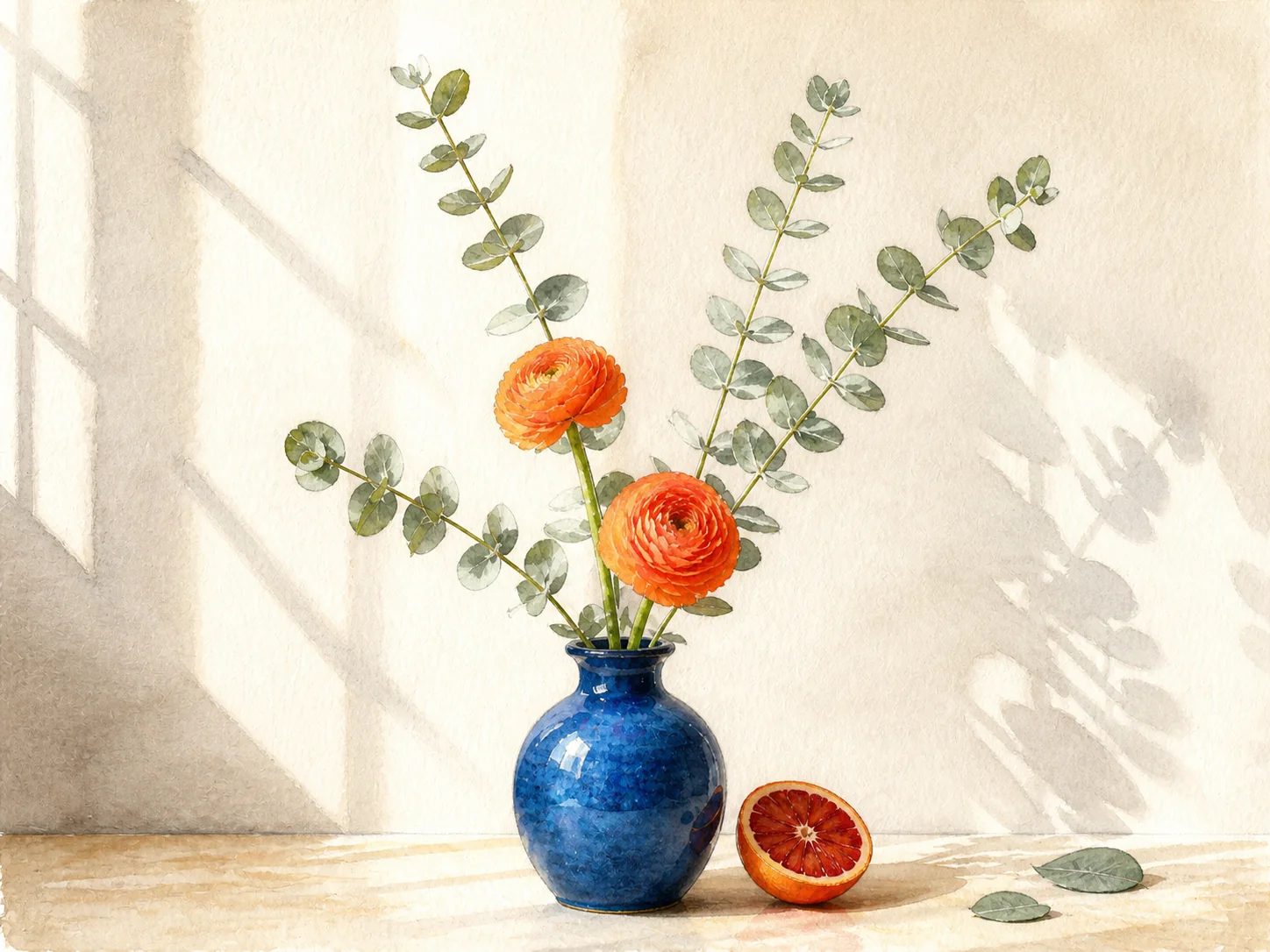
A useful Transform Style example must show the same subject on both sides. These paired plates keep recognizable objects and framing while changing material, mark-making, and color behavior. Each Transform Style direction is written for the specific image rather than applied as a vague one-word filter.
01 / Material shift
Transform Style turns canvas, laces, stitching, and rubber into tactile matte clay while retaining the sneaker silhouette and viewing angle. For products, ask Transform Style to preserve proportions, feature placement, and the exact three-quarter composition.
02 / Print process
Transform Style reduces the townhouse to cobalt and vermilion ink, visible grain, and carved marks without discarding the facade geometry. Architectural prompts should tell Transform Style to preserve windows, door placement, street perspective, and straight structural edges.
03 / Paint medium
Transform Style replaces photographic texture with transparent washes and graphite contours while keeping the vase, two flowers, stems, orange, and window shadows aligned. This Transform Style prompt specifies pigment behavior as well as the objects that must remain.
Prompt like an art director
A short label such as “anime” or “painting” leaves too many choices open. A stronger Transform Style prompt gives the model a visual system and a preservation brief. Start with these four layers, then remove any instruction that does not support your image.
Reusable Transform Style formula
Transform this exact image into [medium] with [texture], [palette], and [lighting or mood]. Preserve [subject details], [composition], and [important geometry]. Do not add text, logos, borders, or new objects.
Tell Transform Style whether you want gouache, inked graphic novel art, soft clay 3D, watercolor, risograph, paper collage, or another concrete production method.
Add material cues such as dry-brush edges, halftone dots, translucent washes, carved hatching, matte clay, torn paper, or smooth vector shapes.
Give Transform Style a limited palette, contrast level, and lighting direction. Specific color relationships are easier to judge than a general request for beauty.
Finish the Transform Style prompt by preserving identity, pose, silhouette, crop, object count, landmark geometry, camera angle, or any detail that carries meaning.
Transform Style quality control
Transform Style is generative image editing, not a deterministic filter. It can reinterpret small details while changing the overall rendering language. Review the result as both an image and a faithful variation of your source.
The subject's identity, pose, expression, and number of visible people
Product silhouette, feature placement, proportions, and viewing angle
Architecture, horizon, crop, camera perspective, and major edges
The visual medium, pigment or material behavior, and mark-making
The palette, contrast, shadow treatment, atmosphere, and surface texture
The degree of simplification, line weight, grain, and finish
Transform Style can preserve the scene strongly, but it may redraw fine text, fingers, jewelry, lace paths, reflections, or repeated patterns. Keep the source, zoom in, and regenerate with a narrower Transform Style instruction if an important detail moves.
Where style transfer helps
Use Transform Style when the idea and composition are already working but the visual language is not. The tool is especially useful for exploring a direction before committing to a full production workflow.
Use case 01
Transform Style can turn a photo into a visual pitch for a magazine opener, social campaign, album concept, or event key art while retaining the recognizable subject.
Use case 02
Use Transform Style to explore clay, paper, ink, or illustrated treatments around an owned product photo. Verify every physical feature before treating the result as product representation.
Use case 03
Write one detailed art direction, then apply the Transform Style language across related scenes. Consistency improves when medium, palette, texture, light, and preservation rules stay stable.
Use case 04
Transform Style helps you compare how one portrait, landscape, or still life behaves in several mediums without repainting the scene manually from the beginning.
Continue editing
Choose Transform Style for visual-language changes. Choose a focused tool when the actual goal is isolation, expansion, or output size.
Transform Style is a prompt-guided AI image editing workflow. It takes one source image and generates a new version in the visual medium, palette, texture, and mood you describe while using the original scene as structural context.
Upload one JPG, PNG, or WebP, describe the desired medium and visual treatment, list the details that should remain, select an aspect ratio matching the source, and run Transform Style. Review the result at full size before download.
Transform Style responds better to concrete production language than a broad adjective. Name a medium such as gouache, linocut, watercolor, graphic novel ink, clay 3D, or paper collage, then specify texture, palette, lighting, and finish.
Transform Style uses the source as strong visual guidance, but the output is generated rather than traced. Ask it to preserve identity, proportions, pose, silhouette, and camera angle, then inspect faces, hands, logos, text, and small product features carefully.
The Transform Style workspace accepts one JPG, PNG, or WebP source image up to 10 MB. A clear, well-lit source with readable edges gives the model better evidence than a tiny, heavily compressed, or motion-blurred file.
No. A preset filter usually applies a fixed color or texture recipe. Transform Style performs generative image editing from your written direction, so it can change rendering language, materials, marks, color behavior, and atmosphere while interpreting the source composition.
Transform Style may redraw fine details because it generates a coherent new image. Add a narrower preservation instruction, remove conflicting style requests, match the source aspect ratio, and regenerate. Always keep the untouched source for comparison.

Start a new visual direction
Bring one image and a clear art direction. Transform Style can take the same subject from photography to ink, paint, print, clay, or another visual system in one focused workflow.
Open Transform Style