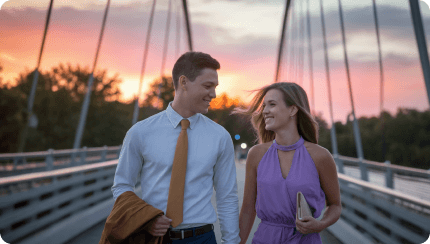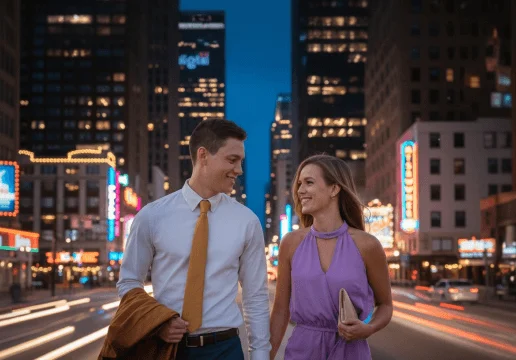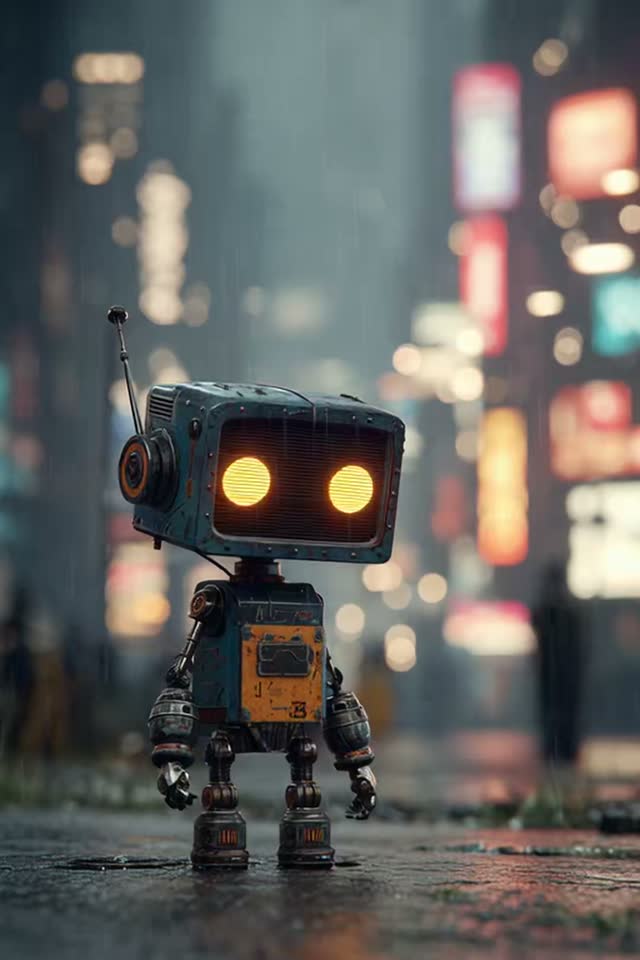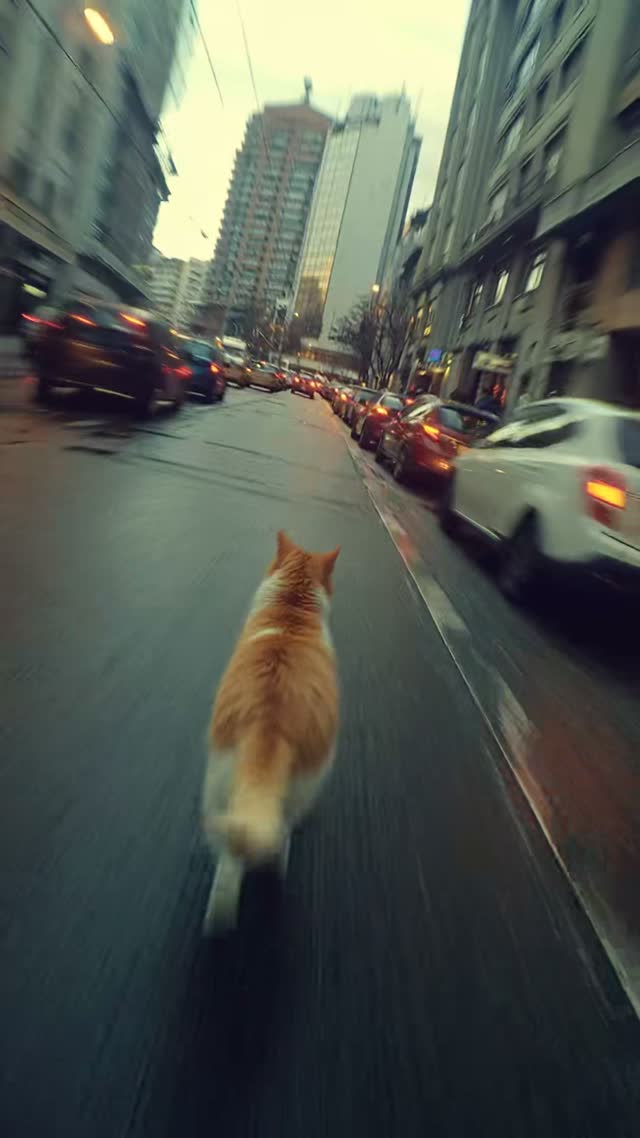
Prompt-led image editing

AI Image Editor.Edit with words.

Upload any photo, describe the change in plain language, and let AI rebuild only what needs to move. No layers, masks, or complicated tools.

  • Natural-language edits
  • Multiple image models
  • Continue into video
3 steps
Upload, prompt, generate
15 MB
PNG, JPG, WEBP or AVIF

AI Image Editing Studio

Loading available Kie models...

From manual retouching… to finished images in seconds

Forget slow layers and masks. Upload an image and describe the result you want — replace backgrounds, remove distractions, relight a scene, or rebuild the composition from one prompt.

Original
Original
AI edit
AI edit

Edit your images with one simple prompt

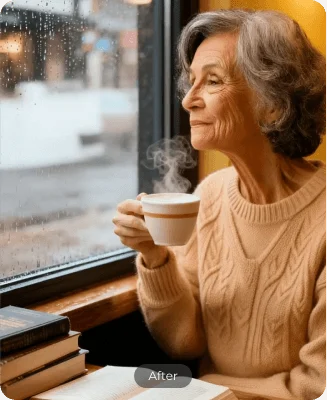
Restyle a subject without losing their identity

Change wardrobe, material, color, and art direction while keeping the subject recognizable and the composition intact.
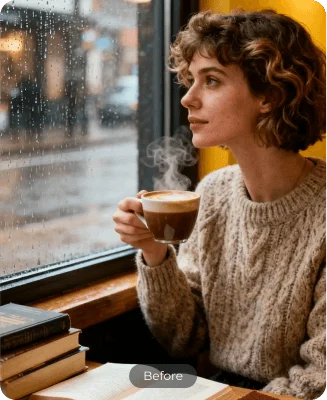
Portrait before an AI restyle
Before
Restyle a subject without losing their identity
Portrait after an AI restyle
After
Restyle a subject without losing their identity

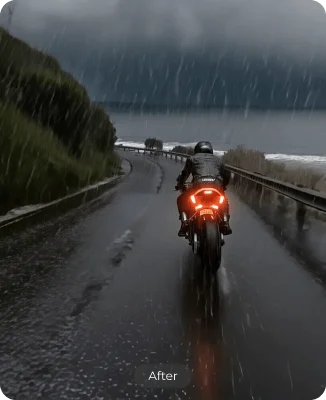
Change the light, weather, and atmosphere

Move from a flat daytime scene to rain, mist, golden hour, or cinematic night lighting without reshooting.
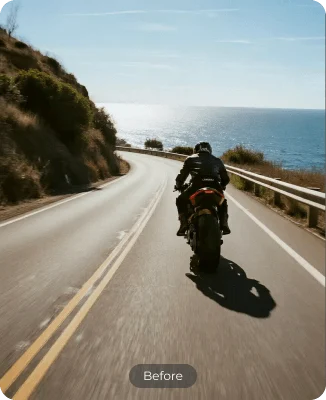
Scene before changing the atmosphere
Before
Change the light, weather, and atmosphere
Scene after changing the atmosphere
After
Change the light, weather, and atmosphere

Add visual effects that belong in the frame

Introduce light, particles, energy, or stylized details while preserving believable depth and perspective.
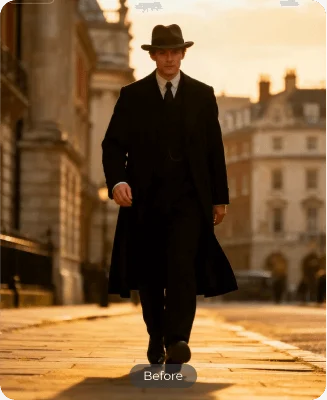
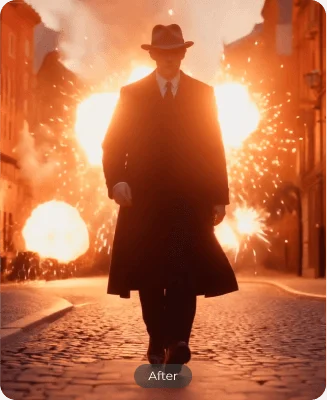
Image before visual effects
Before
Add visual effects that belong in the frame
Image after visual effects
After
Add visual effects that belong in the frame

Erase unwanted objects cleanly

Remove distractions, props, people, or text and let AI reconstruct the missing pixels naturally.
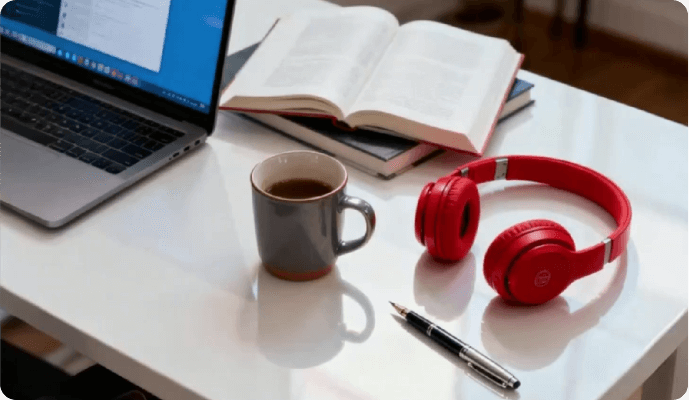
Object removal comparison
Before / After
Erase unwanted objects cleanly

Replace a background while preserving edges

Place a portrait or product into a new environment without rebuilding selections, masks, or cutouts.
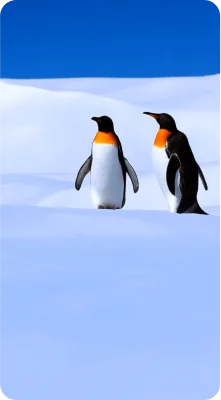
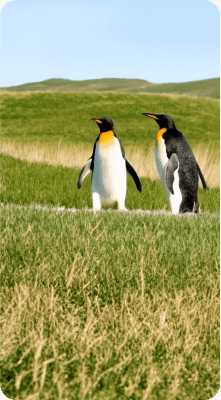
Original portrait background
Original
Replace a background while preserving edges
Replaced portrait background
AI edit
Replace a background while preserving edges

Reframe and expand the composition

Create room for a banner, story, thumbnail, or a fresh camera perspective while keeping the central idea consistent.
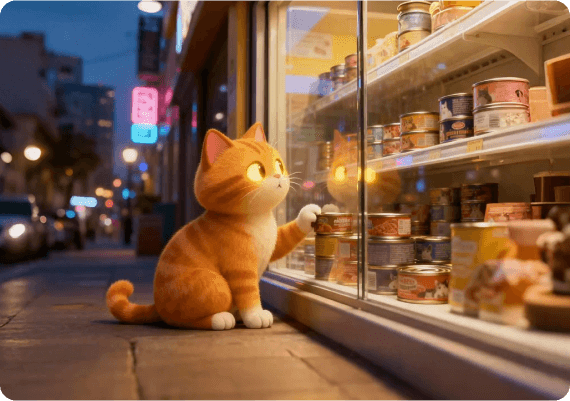
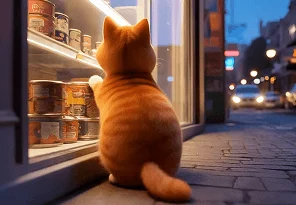
Wide image composition
Reframed
Reframe and expand the composition
Alternative image crop
Variation
Reframe and expand the composition

AI image editing for every creative workflow

Publish more variations

Turn one strong source image into fresh posts, covers, thumbnails, and stories.

Resize without dead space

Expand compositions for each channel while keeping important subjects intact.

Refresh old content

Change styling, seasons, and backgrounds without rebuilding the whole shoot.

Stay visually consistent

Carry the same subject and art direction across a complete content series.

How to use Artaivo AI image editor

  1. 01

    Upload your image

    Start with a clear PNG, JPG, WEBP, or AVIF source.

  2. 02

    Describe the edit

    Say what should change and what must stay exactly the same.

  3. 03

    Generate and refine

    Review the result, adjust your prompt, and continue in the workspace.

Unlock more ways to create with Artaivo

A faster editing flow for creators and teams

Built for prompt-first visual work
I can test three art directions before I would normally finish one rough mask.

Maya Chen

Independent art director

The best part is being able to state what must stay unchanged. That makes product variations much easier to control.

Jon Bell

E-commerce creative lead

It turns feedback like ‘warmer, cleaner, less busy’ into a useful next version in minutes.

Sofia Marin

Social content producer

FAQs

What can I edit with an AI image editor?

You can change backgrounds, remove or add objects, adjust lighting and color, restyle a photo, create product scenes, expand a composition, and generate variations. Available options can vary by model.

Do I need Photoshop or editing experience?

No. Describe the outcome in ordinary language. More specific prompts usually produce more controlled results, especially when you state what should remain unchanged.

Which image formats can I upload?

This page accepts PNG, JPEG, WEBP, and AVIF images up to 15 MB. Individual AI models may have additional input requirements in the workspace.

Can I turn my edited image into a video?

Yes. Artaivo combines image and video workflows in one workspace, so an edited frame can become the source for an image-to-video generation.

Is the AI image editor free?

You can open the editor and prepare an edit before signing in. Generation uses credits, and the exact cost is shown in the workspace before the task starts.

Try the Artaivo AI image editor today

Bring one image and one clear instruction. Start the edit in your browser and continue with the result in the Artaivo workspace.

Start editing free