
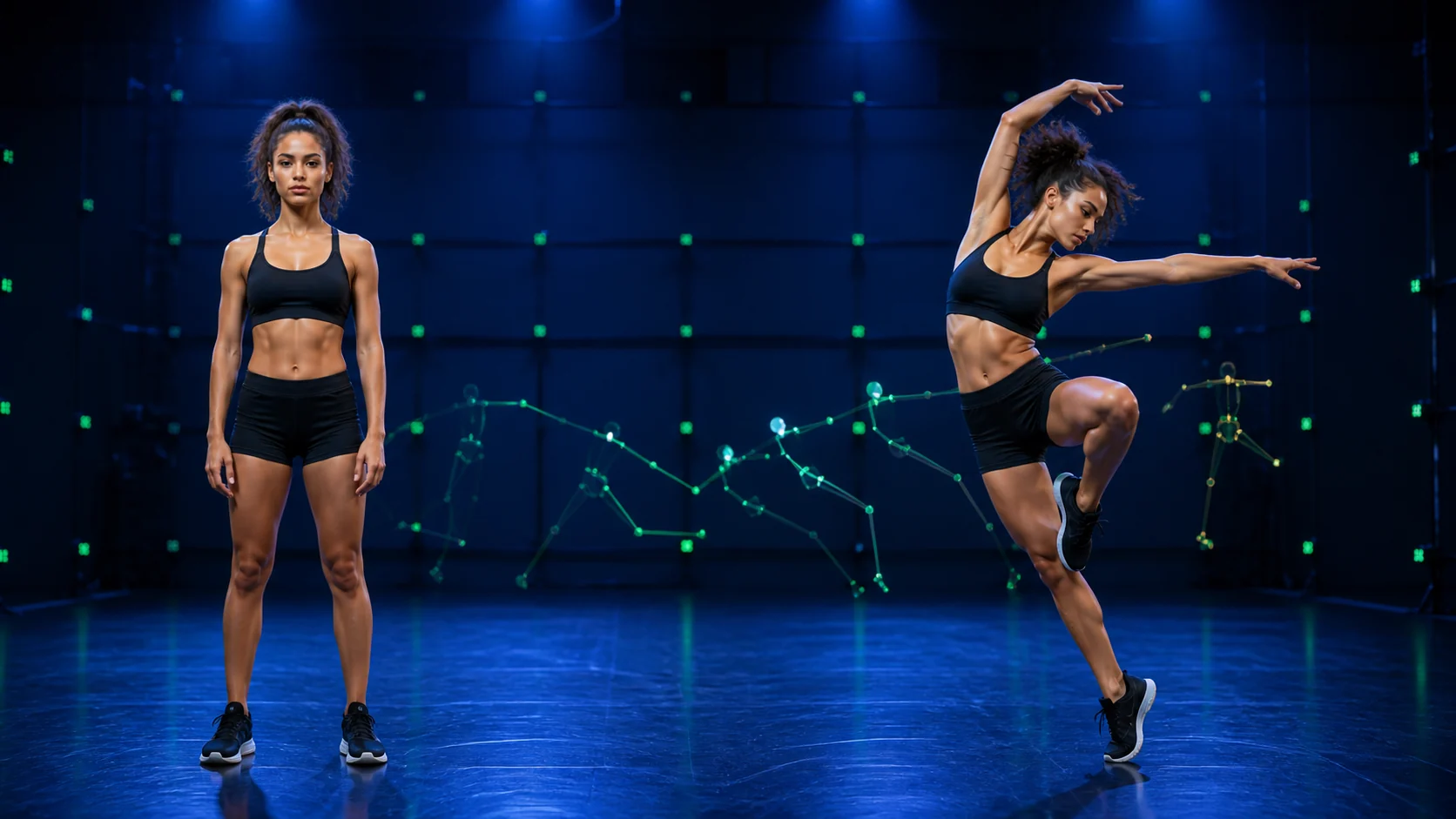
AI Motion Control · 01 / Drive
Use a motion reference video
Body timing, pose changes, and gesture cadence come from footage you upload. AI Motion Control is most predictable when the performer stays visible and avoids heavy occlusion.
Reference motion → character performance
Give a still character a real performance. AI Motion Control maps the timing, body movement, and gesture rhythm from a reference video onto your character image, so you direct action by showing it instead of describing every beat.
Upload one clear, full-body character image and one 3–30 second motion reference. Kling 3.0 Motion Control produces a new character animation while letting you choose whether the background follows the motion clip or the source image.
Two-source performance tool
This AI Motion Control workspace is built around the two inputs the task actually needs: a character image and a driving motion video. There is no mandatory prompt to slow you down; the reference performance carries the action.
AI Motion Control · connected video studio
Keep AI Motion Control as your current workflow, then move into generation, animation, motion transfer, restyling, extension, or restoration without leaving Artaivo.
What this search really means
People searching for AI Motion Control usually want to upload a performance and make another character follow it. The page therefore prioritizes two-source motion transfer instead of hiding the task behind camera sliders or a blank text box.
AI Motion Control · 01 / Drive
Body timing, pose changes, and gesture cadence come from footage you upload. AI Motion Control is most predictable when the performer stays visible and avoids heavy occlusion.
AI Motion Control · 02 / Cast
A human photo, stylized figure, anime character, or 3D subject can become the performer. A readable silhouette helps AI Motion Control preserve identity through movement.
AI Motion Control · 03 / Stage
Keep the environment from the motion clip for realism or favor the character-image setting for a designed scene. The option is exposed in model parameters rather than buried.
How AI Motion Control works
AI Motion Control works best when every input has one job: the image defines who performs, the video defines how they move, and the settings decide how the scene is reconciled.
AI Motion Control · 01
Choose a sharp image with one main subject. Keep the head, hands, and feet inside the frame so the model can understand proportions before movement begins.
AI Motion Control · 02
Use a 3–30 second clip with a stable camera and clear limbs. Dance, product posing, martial arts, and simple acting beats all work as AI Motion Control references.
AI Motion Control · 03
Select the background source, generate, then check the face, hands, foot contact, and timing. Try a cleaner reference when a limb leaves frame or crosses the body for too long.
Useful source choices
The strongest AI Motion Control examples make pose and direction unambiguous. These visuals show why a clean motion recording and a readable character silhouette matter.
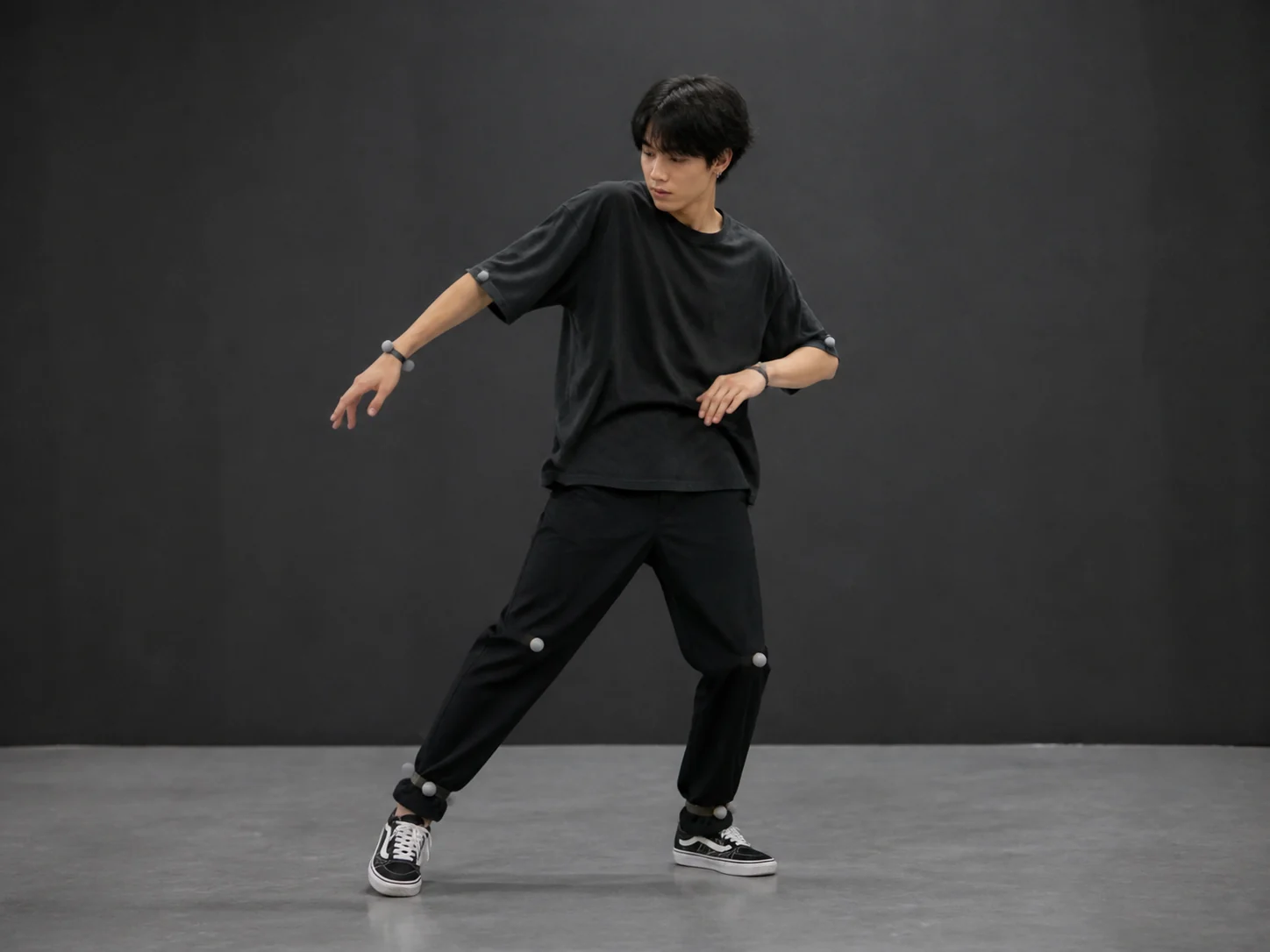
AI Motion Control example
A locked camera, full-body framing, and visible joints give the model consistent motion evidence across the entire clip.
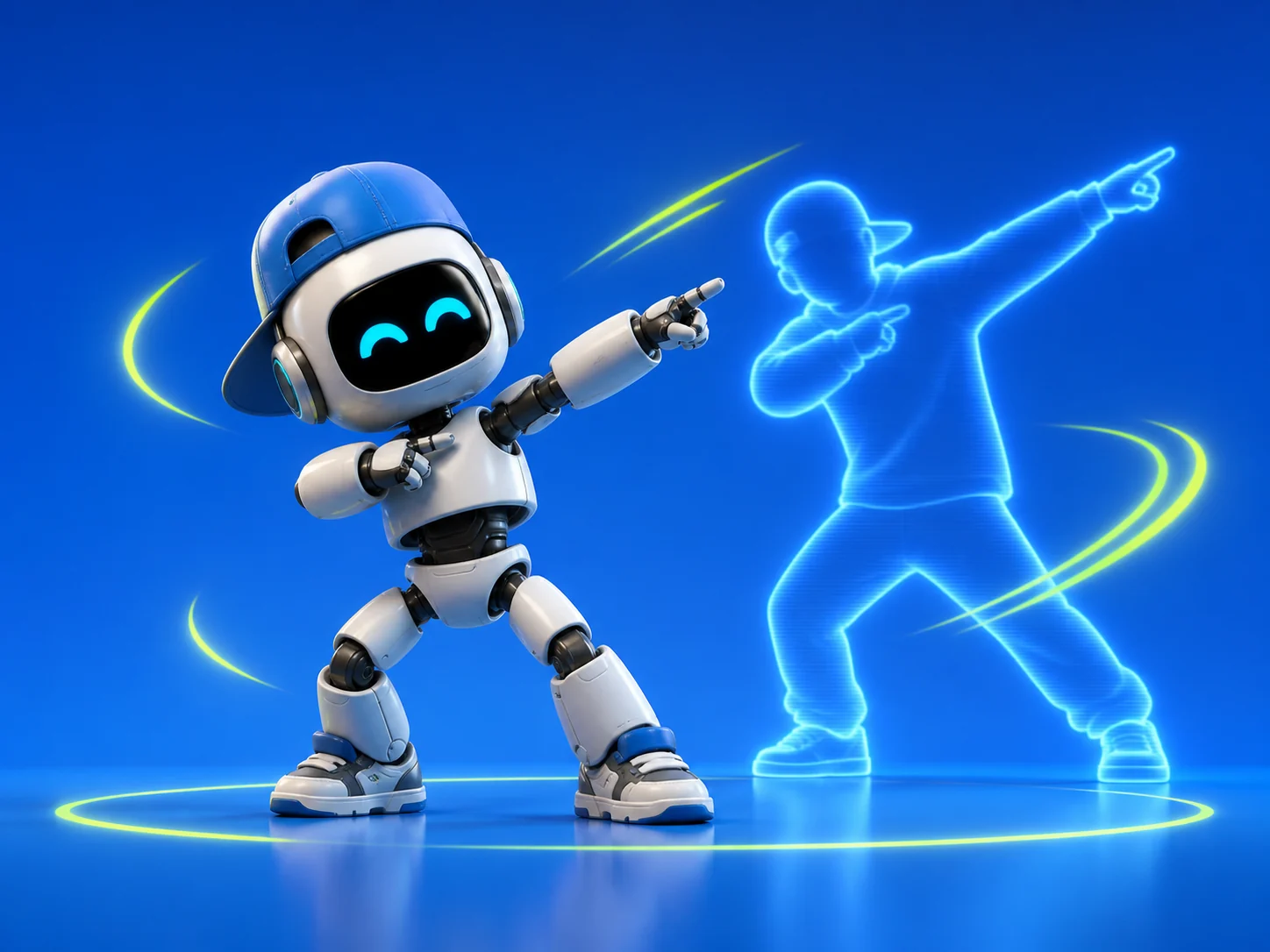
AI Motion Control example
The target can be stylized. What matters is a character body that can correspond to the reference pose without losing its visual identity.
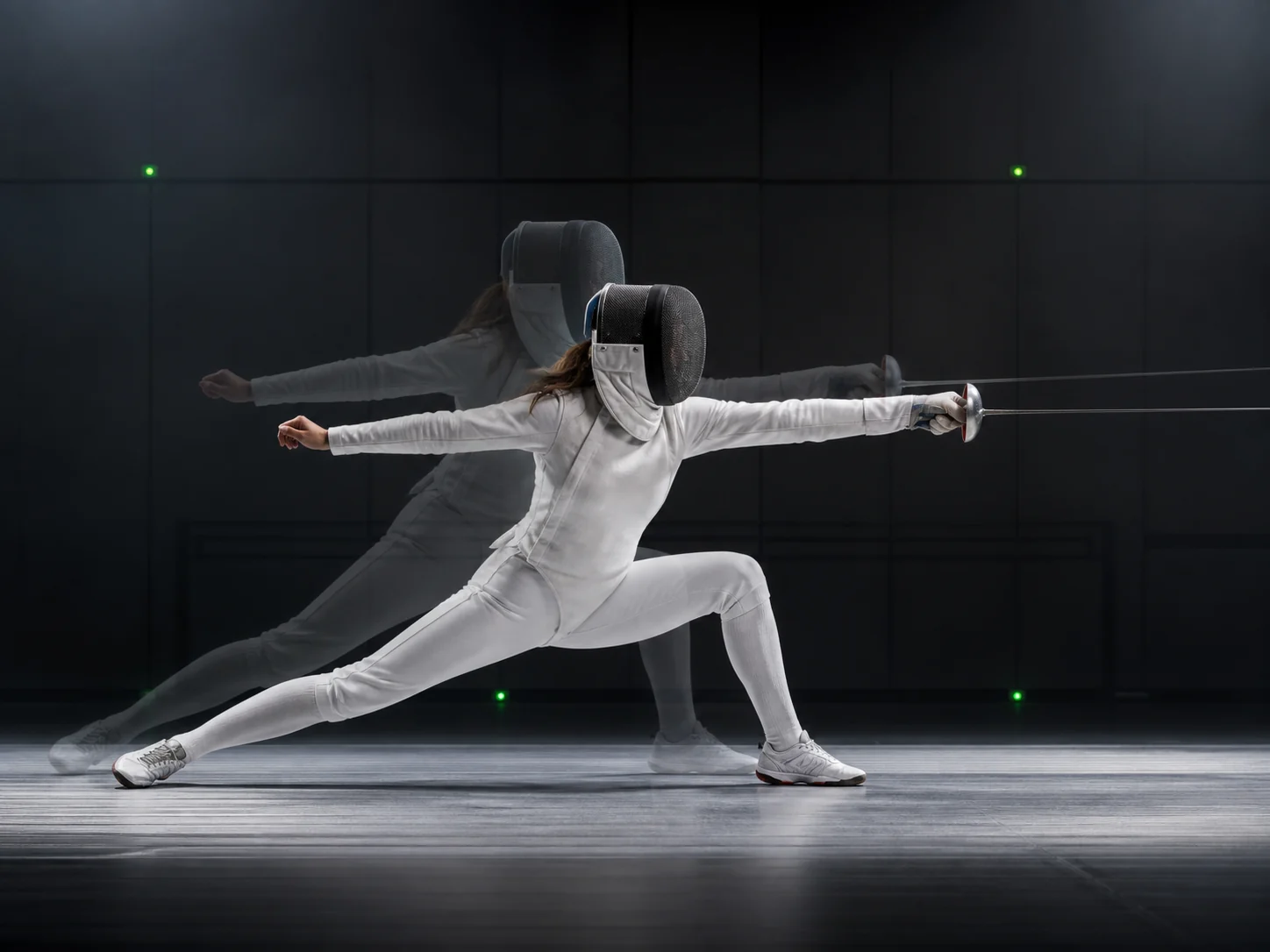
AI Motion Control example
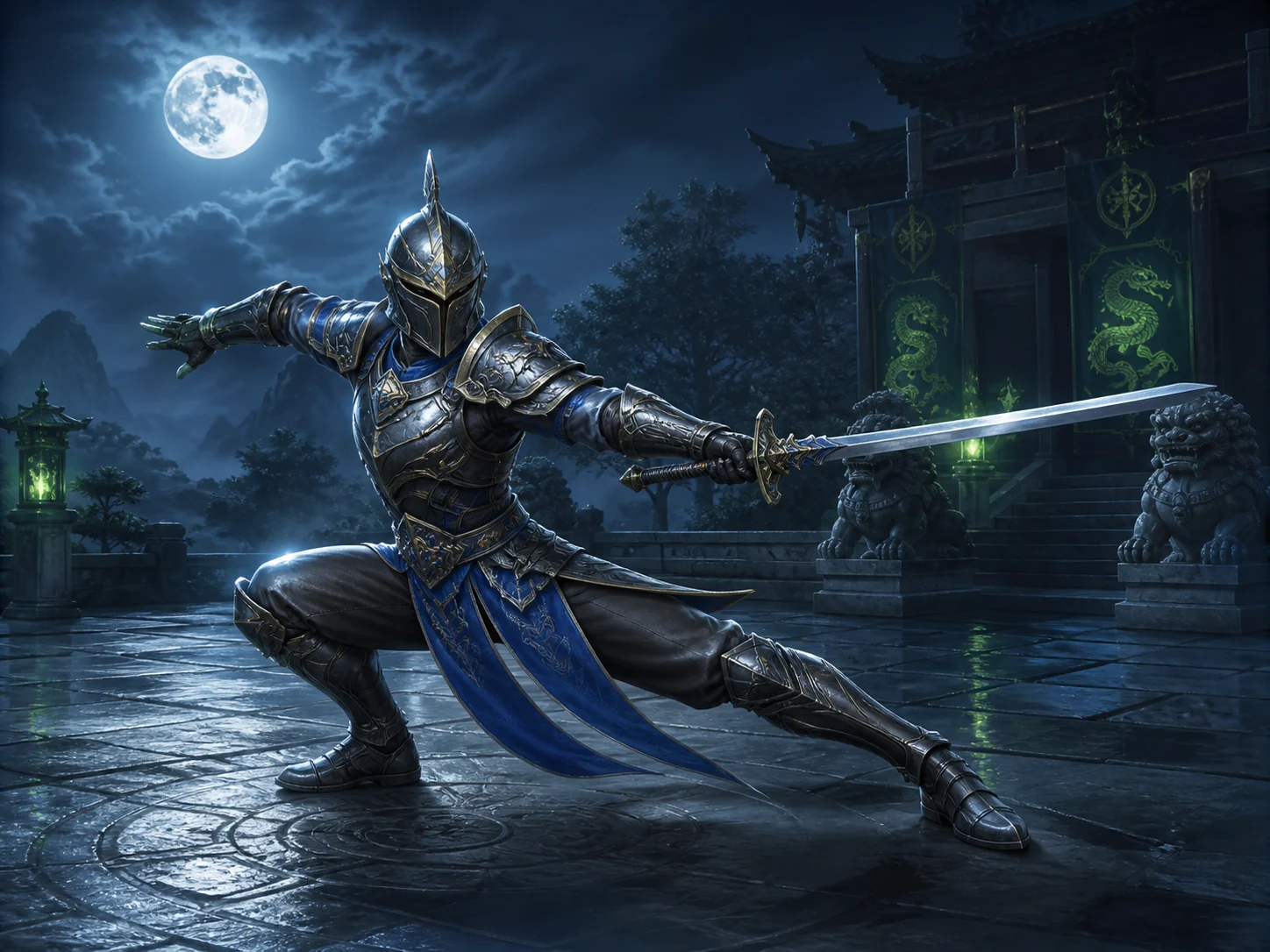
A fencing lunge exposes precise foot placement, arm extension, and weight transfer. The ghosted reference makes the timing relationship visible without relying on prompt text.
AI Motion Control example
Fantasy and game characters can inherit grounded human movement when the complete silhouette, weapon, hands, and contact points remain readable.
Quality controls
AI Motion Control does not need a long prompt, but it does need compatible visual evidence. A few framing choices improve consistency more than adding adjectives.
AI Motion Control control
Avoid clipped feet, hands leaving frame, and long close-ups when the desired result is a full-body performance.
AI Motion Control control
A front-facing character works best with a mostly front-facing performer. Large orientation mismatches force the model to invent hidden anatomy.
AI Motion Control control
A short coherent move is easier to transfer than jump cuts, camera changes, or multiple performers entering and leaving the scene.
AI Motion Control control
Watch hands touching props, feet touching the ground, and crossed limbs. Those frames reveal whether a cleaner motion reference is needed.
Use this page when the motion itself is the instruction. Choose a different workflow when you need to invent a scene from text or restyle an already finished video.
Use AI Motion Control for
Use another workflow for
Related to AI Motion Control
AI Motion Control transfers movement from a reference video to a character supplied as an image. The image defines the performer, while the video defines pose timing, body action, and gesture rhythm.
No. This workflow treats the motion reference as the main instruction, so the prompt is not required. Clear framing and compatible body orientation usually matter more than extra prompt text.
The current Kling 3.0 Motion Control workflow accepts a motion reference from 3 to 30 seconds. Short, continuous actions are generally easier to map cleanly.
Use one clear subject with visible proportions and enough resolution to read the face and limbs. Full-body images are best for dance and sport; upper-body images suit gestures that stay above the waist.
Yes. Anime, illustration, and 3D characters can work when the body structure is readable. Extreme proportions may need a motion reference with a similar silhouette.
Ready to direct by example?
Upload the character, add the motion clip, and let AI Motion Control handle the performance mapping.
Start motion transfer