
Online image background remover

Background Remover.Keep the subject.

Upload a photo to the Artaivo background remover and clear the scene directly on this page. Artaivo isolates the main subject, prepares a transparent result, and keeps the complete upload-to-download workflow in one place.

  • No manual tracing
  • Transparent cutout
  • Download the result
3 steps
Upload, remove, download
5 MB
Maximum source file size

Online Background Remover

Loading available Kie models...

Before / After

See What the Background Remover Keeps

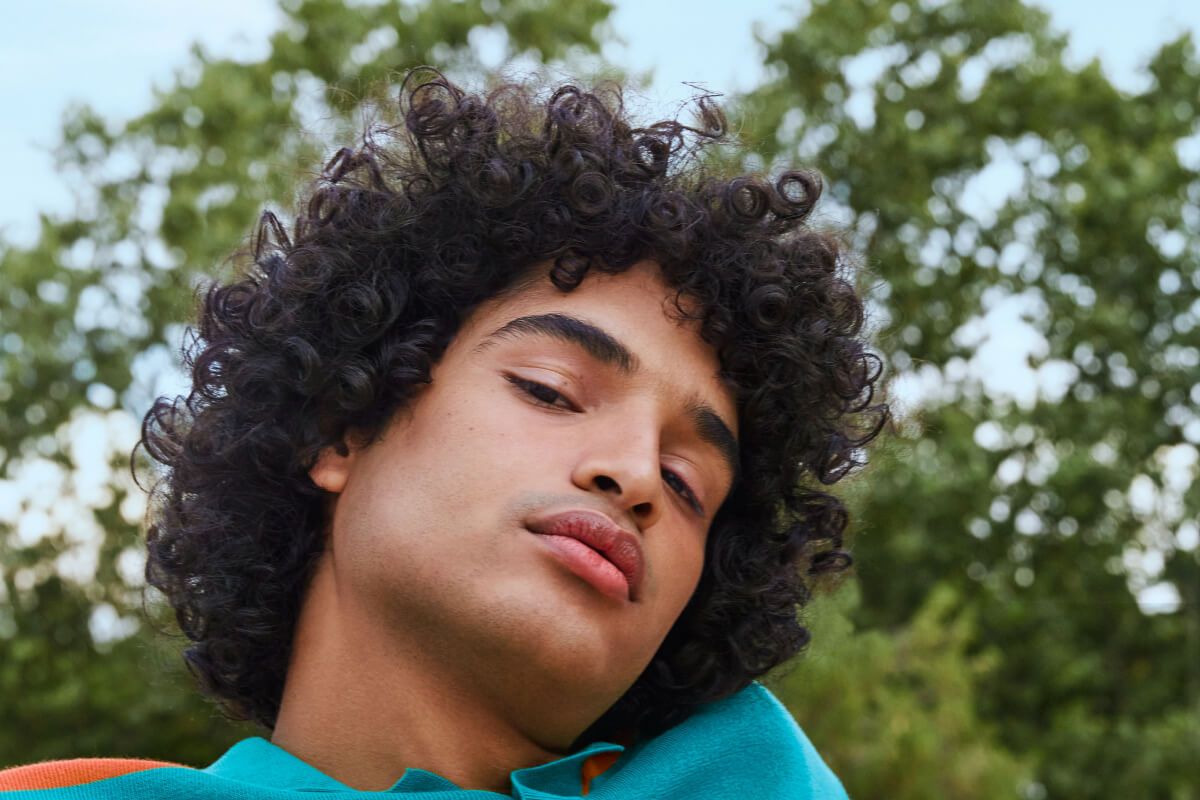
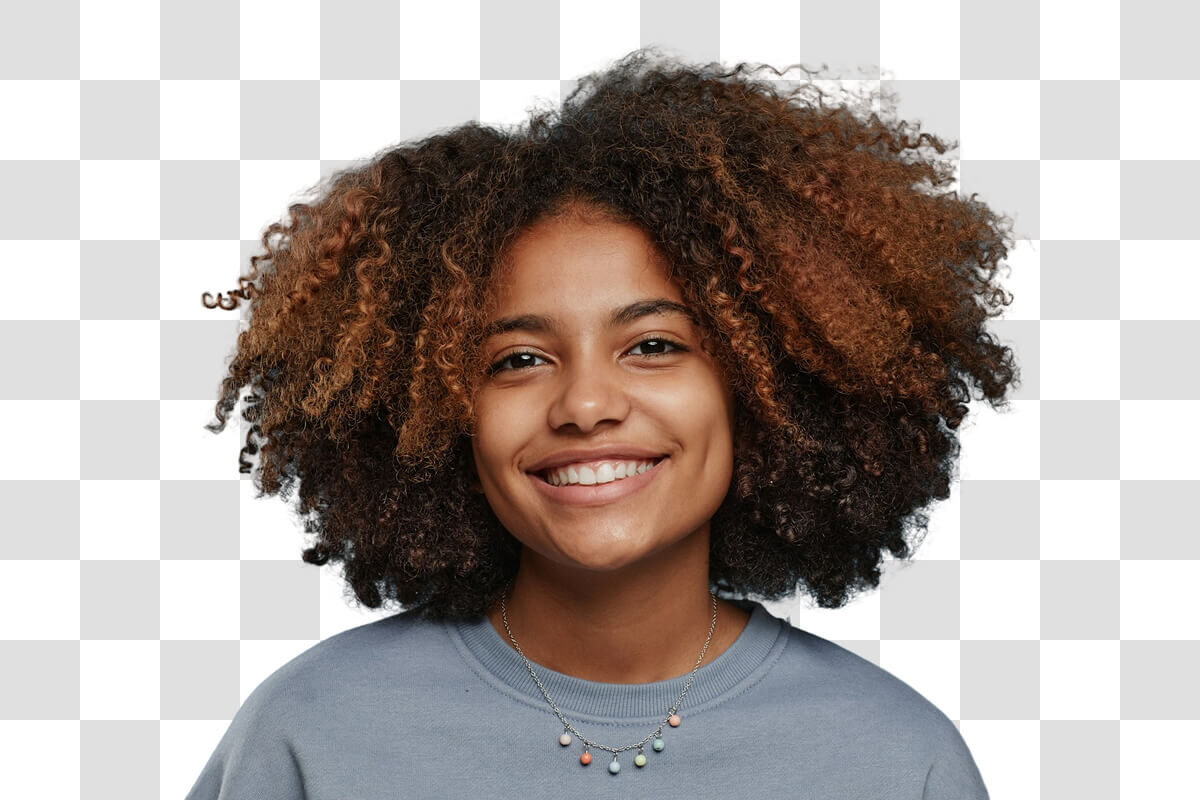
Drag the divider to inspect the background remover result up close. Fine curls, soft fabric, and small details remain clear while the original scene disappears.

Try the background remover
The same portrait isolated on a transparent checkerboard after background removal
Portrait of a woman against a blue background before background removal
OriginalBackground removed
Drag to compare the original and background-free image

What a Focused Background Remover Should Do

A background remover that preserves the subject

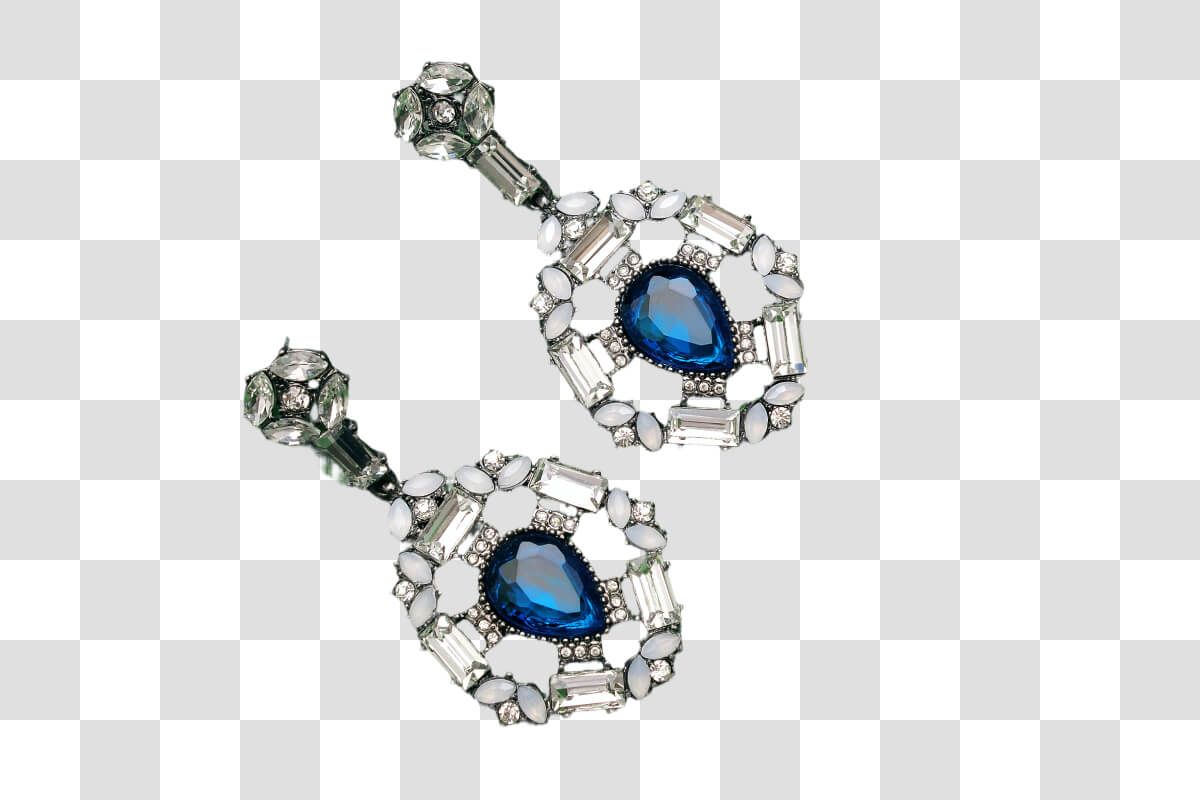
The Artaivo background remover is configured for a focused cutout rather than a broad prompt edit. It isolates the foreground and removes the surrounding scene without asking you to choose a model or write instructions.
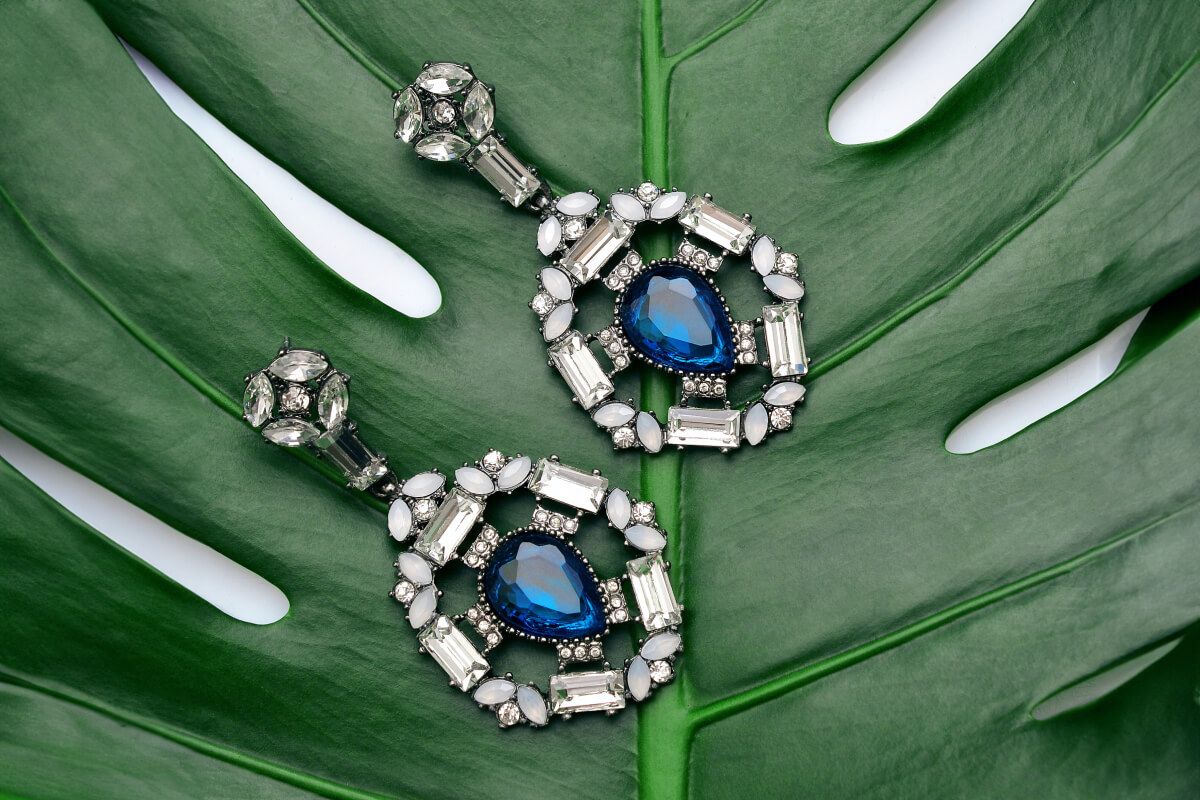
Blue gemstone earrings photographed on a green leaf before background removal
Original
A background remover that preserves the subject
The same blue gemstone earrings isolated on a transparent checkerboard
Cutout
A background remover that preserves the subject

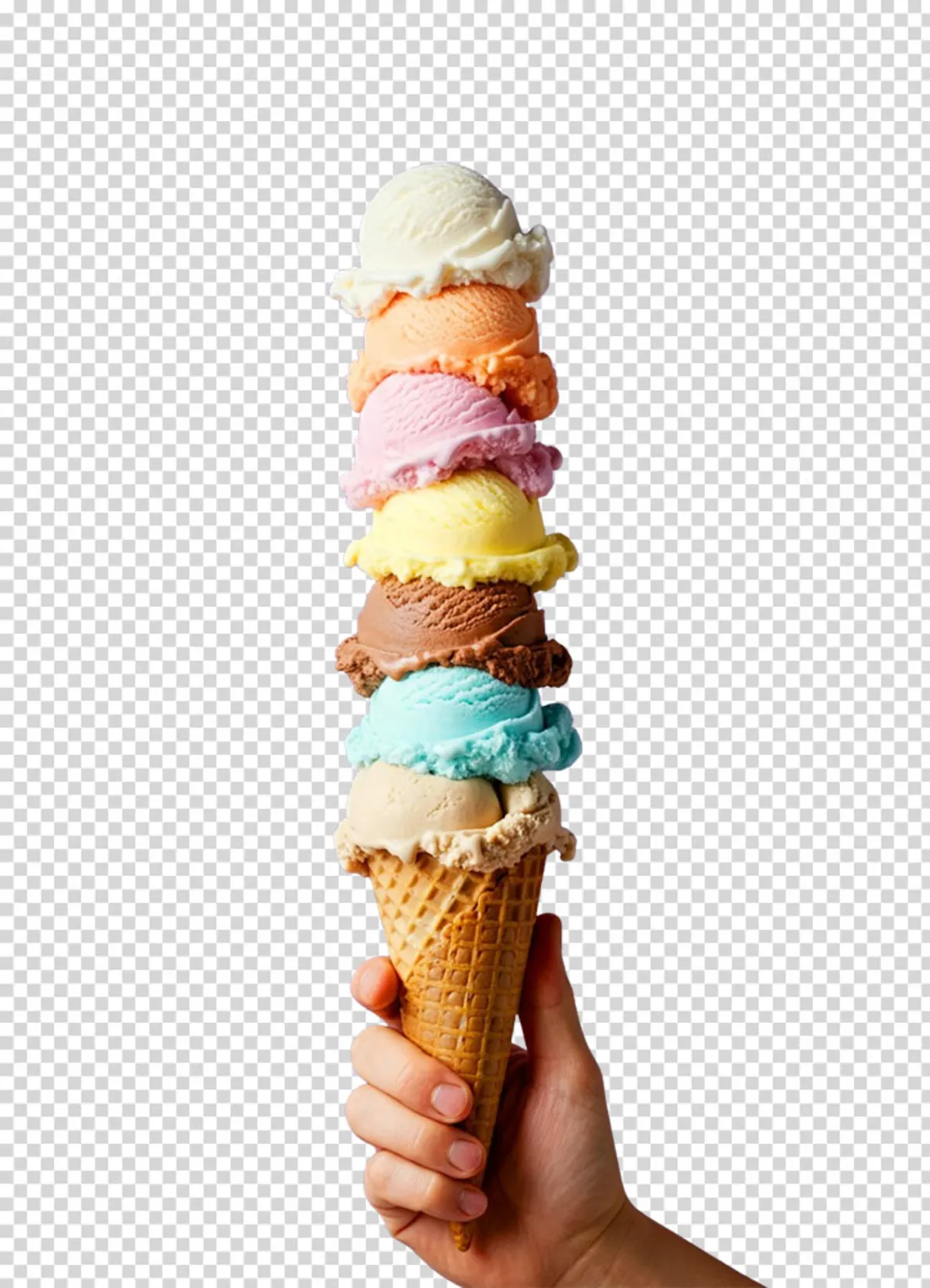
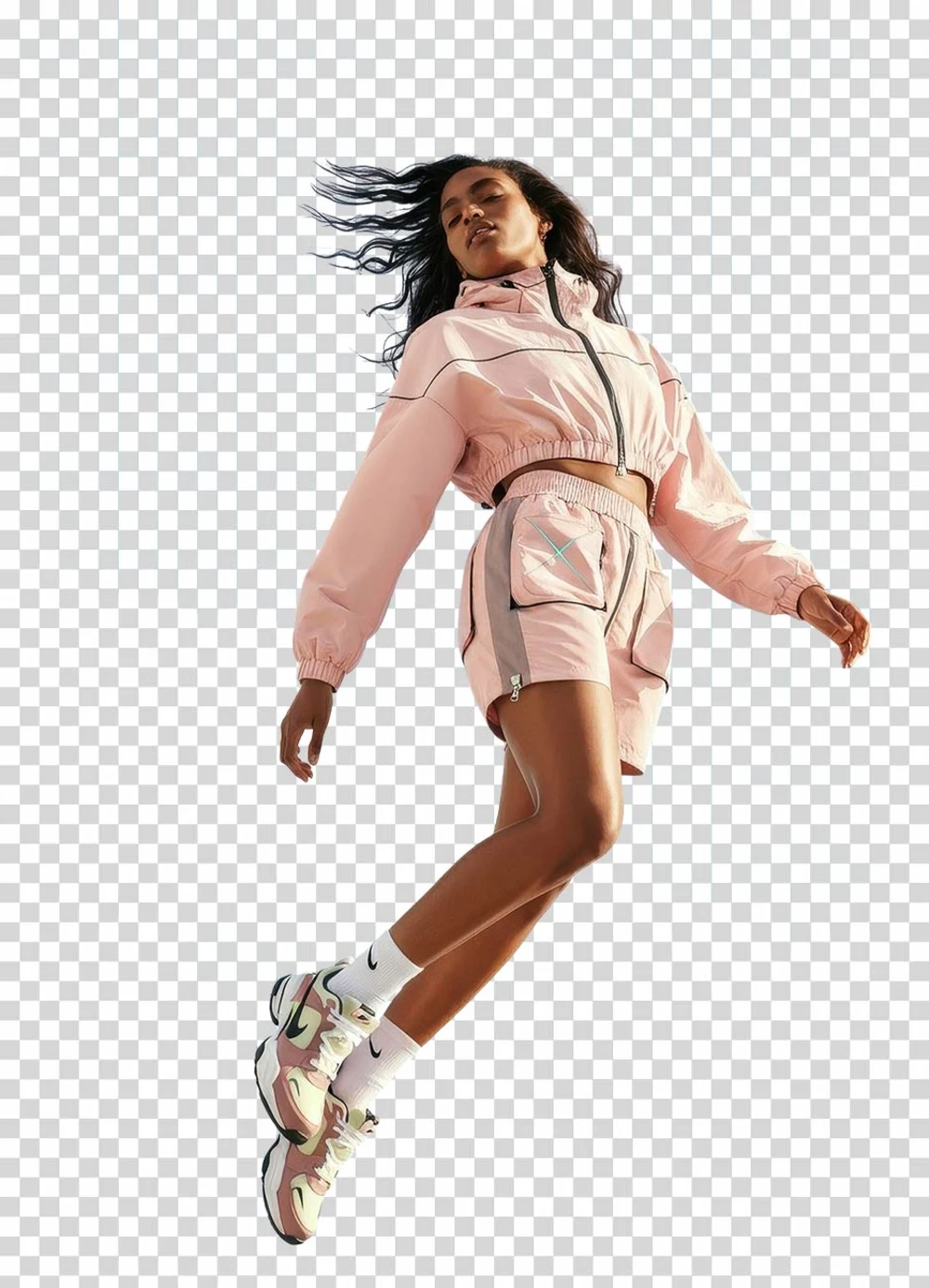
A background remover for people, products, and objects

Use the image background remover on portraits, catalog products, pets, cars, graphics, and other photos with a recognizable main subject. Clear lighting and visible edges improve separation.

Tall ice cream cone with detailed edges isolated from its background
Product
A background remover for people, products, and objects
Full-length fashion model isolated on a transparent checkerboard
People
A background remover for people, products, and objects

Turn each background remover cutout into a finished layout

Download the transparent background remover result, then place the subject into a campaign, presentation, social post, or branded composition without bringing the original scene along.

A runner cutout reused across several advertising backgrounds and layouts
Ready to reuse
Turn each background remover cutout into a finished layout

Built for practical edits

An Image Background Remover for Everyday Work

A background remover cutout is useful whenever the subject needs to move into a new layout without the original scene following it.

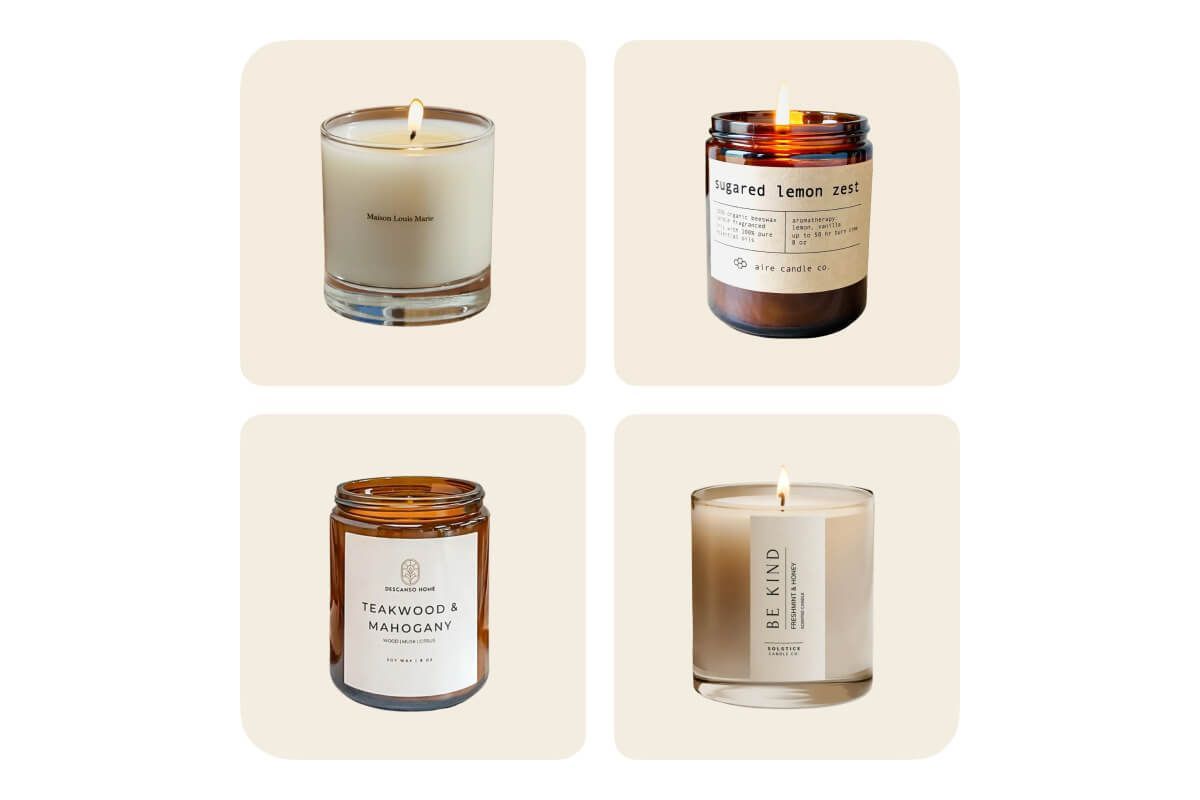
A catalog grid of candle products arranged on clean neutral backgrounds
01

Remove backgrounds from product photos

Use the background remover to isolate a product for marketplace listings, catalog grids, ads, and consistent white-background compositions without tracing around it by hand.

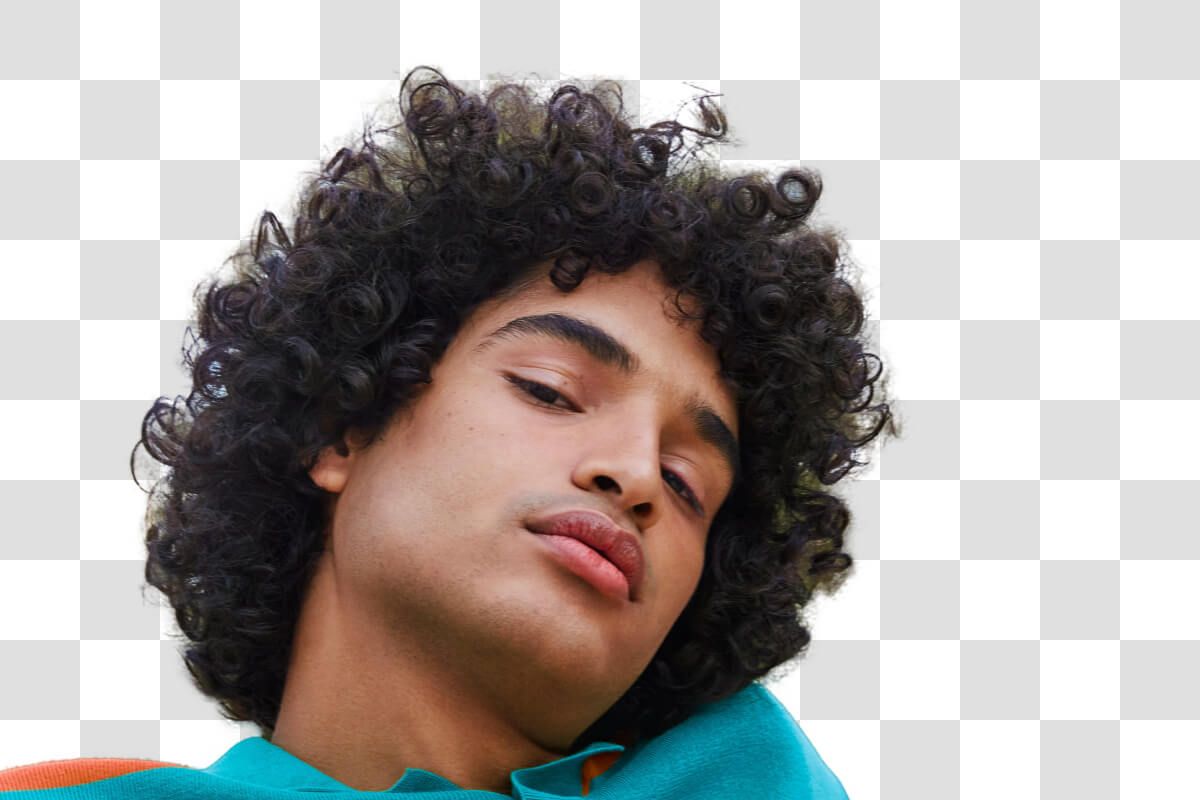
A front-facing portrait isolated on a transparent checkerboard for a document photo workflow
02

Prepare ID and passport-style photos

Use the background remover to separate a portrait from a distracting room, then place the cutout on the solid color required by your document workflow. Always verify official photo rules before submission.

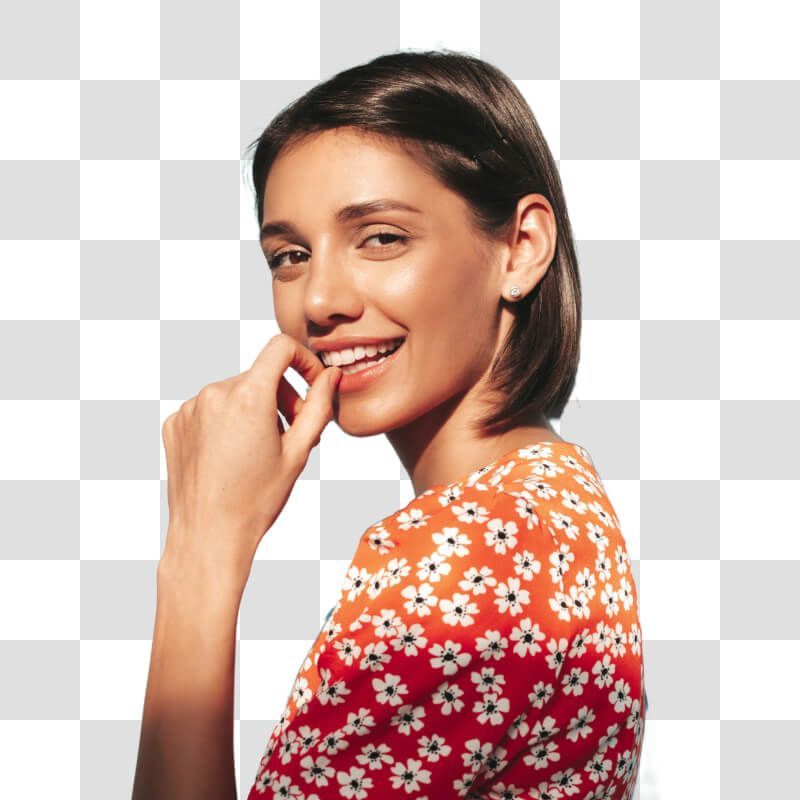
A smiling woman in an orange top isolated for use as a profile picture
03

Create profile pictures and headshots

Let the background remover preserve the person, then reuse the transparent cutout across avatars, speaker cards, team pages, and social profiles.

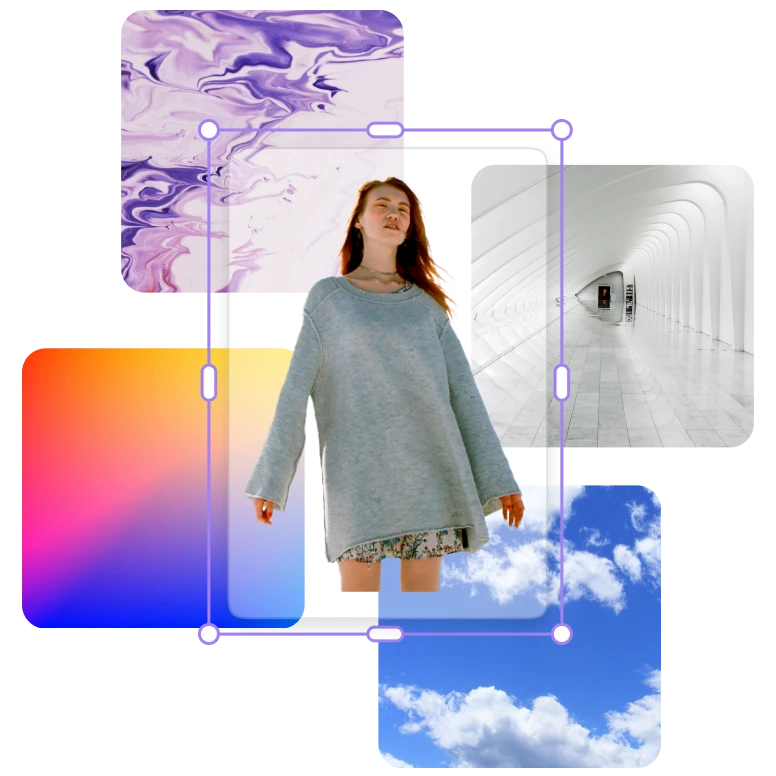
A full-length cutout being arranged with photos and color panels in a marketing layout
04

Build presentations and marketing assets

Drop the background remover cutout into slides, thumbnails, posters, email graphics, and campaign layouts without a visible rectangular photo background.

How to Use the Background Remover in 3 Steps

  1. 01

    Upload your image

    Choose a clear JPG, PNG, or WebP photo for the background remover. Strong separation between the subject and backdrop usually produces the cleanest edge.

  2. 02

    Run the background remover

    Select Remove background. The image background remover detects the main subject and turns the surrounding area transparent.

  3. 03

    Download your cutout

    Review the background remover result, then download the transparent image for a product listing, profile, document, or new design.

Focused output

A Fast Online Background Remover—Without Extra Steps

This background remover page is built for one job. The uploader, processing state, result preview, and download action stay together so you can finish before moving to another creative task.

Automatic subject detection

The background remover finds the main foreground subject and creates the cutout automatically, avoiding slow manual selections for common photos.

Cleaner input, cleaner edge

Give the background remover a sharp source with visible contrast around hair, fur, transparent objects, and thin edges. Busy or very similar foreground colors can need a different source image.

A result ready for reuse

Download the background remover output from the same page, then place it over a solid color, another photograph, or a branded composition.

More Ways to Create with Artaivo

Questions About Removing Image Backgrounds

How do I remove the background from an image online?

Upload a JPG, PNG, or WebP image in the tool above, select Remove background, wait for the subject to be isolated, and download the finished result from this page.

Can I use the Artaivo background remover for free?

You can open the tool and prepare your image for free. If processing requires Artaivo credits, the exact cost and your available balance are shown beside the action before the task starts.

Which image formats and sizes are supported?

The background remover accepts JPG, PNG, and WebP files up to 5 MB. The source can be up to 16 megapixels and 4096 pixels on its longest side, with a minimum dimension of 256 pixels.

Will the downloaded image have a transparent background?

The background-removal result is prepared as a reusable cutout with the original backdrop removed. You can download it and place the subject over a new color, image, or layout.

How can I get a cleaner result around hair or fine edges?

Start with a sharp, well-lit photo where the foreground differs clearly from the background. Avoid motion blur, heavy compression, and scenes where the subject and background share nearly identical colors.

Try the Background Remover on Your Image Now

Bring one clear JPG, PNG, or WebP. The upload, background removal, result preview, and download stay together on this page.

Go to background remover