Restyle a subject without losing their identity
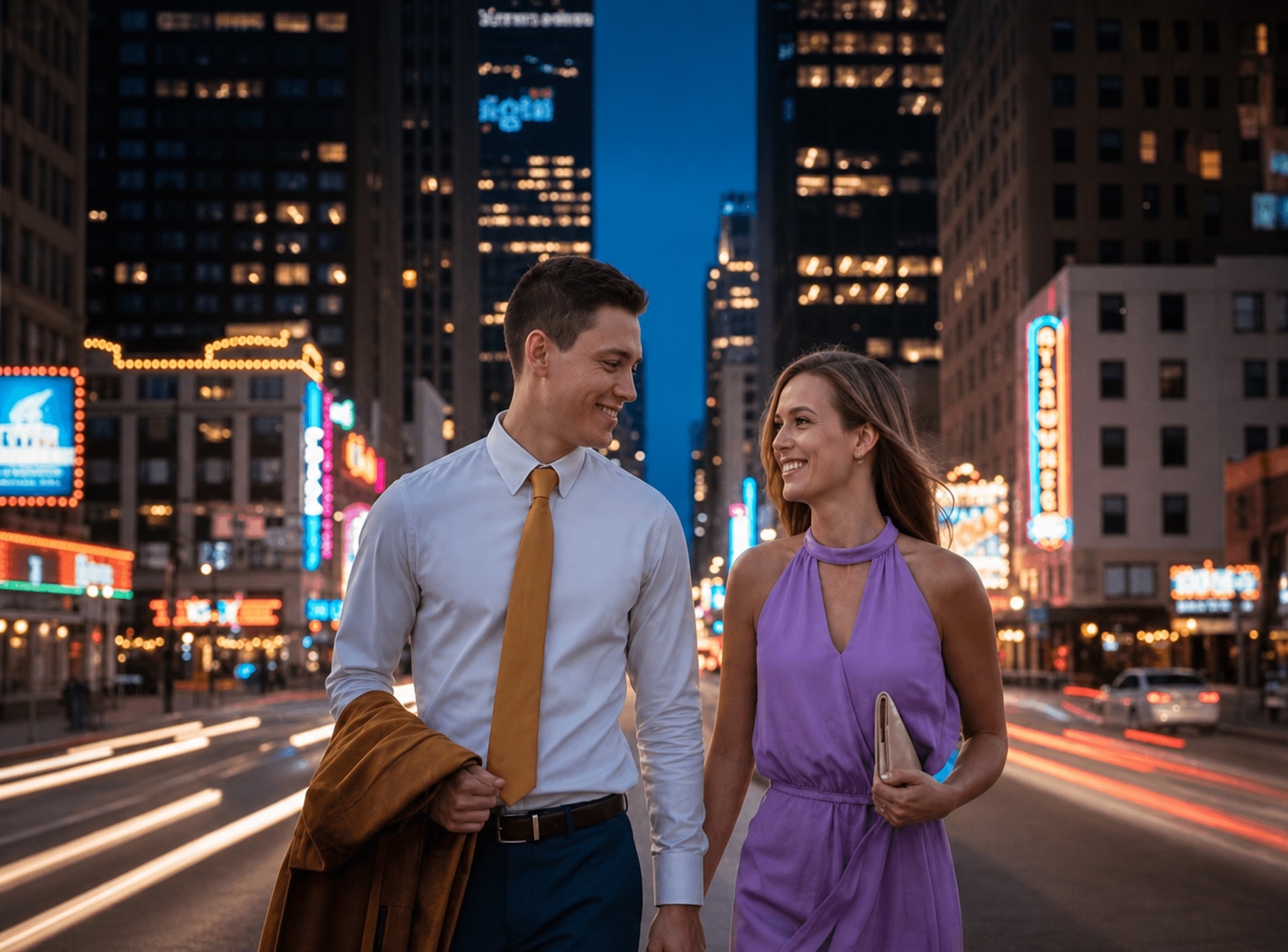
Change wardrobe, material, color, and art direction while keeping the subject recognizable and the composition intact.
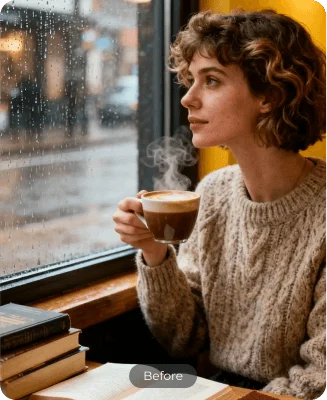
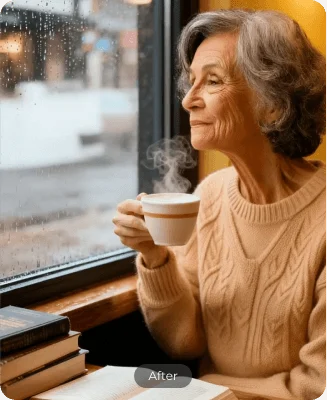
Prompt-led image editing
Upload any photo, describe the change in plain language, and let AI rebuild only what needs to move. No layers, masks, or complicated tools.
Forget slow layers and masks. Upload an image and describe the result you want — replace backgrounds, remove distractions, relight a scene, or rebuild the composition from one prompt.

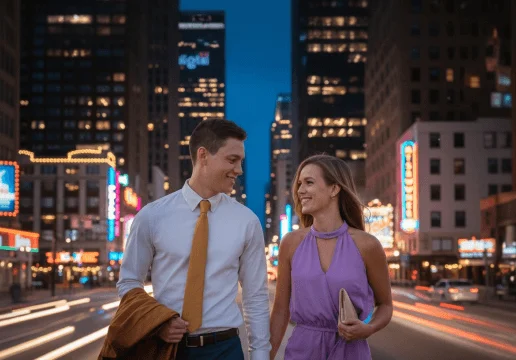
Change wardrobe, material, color, and art direction while keeping the subject recognizable and the composition intact.
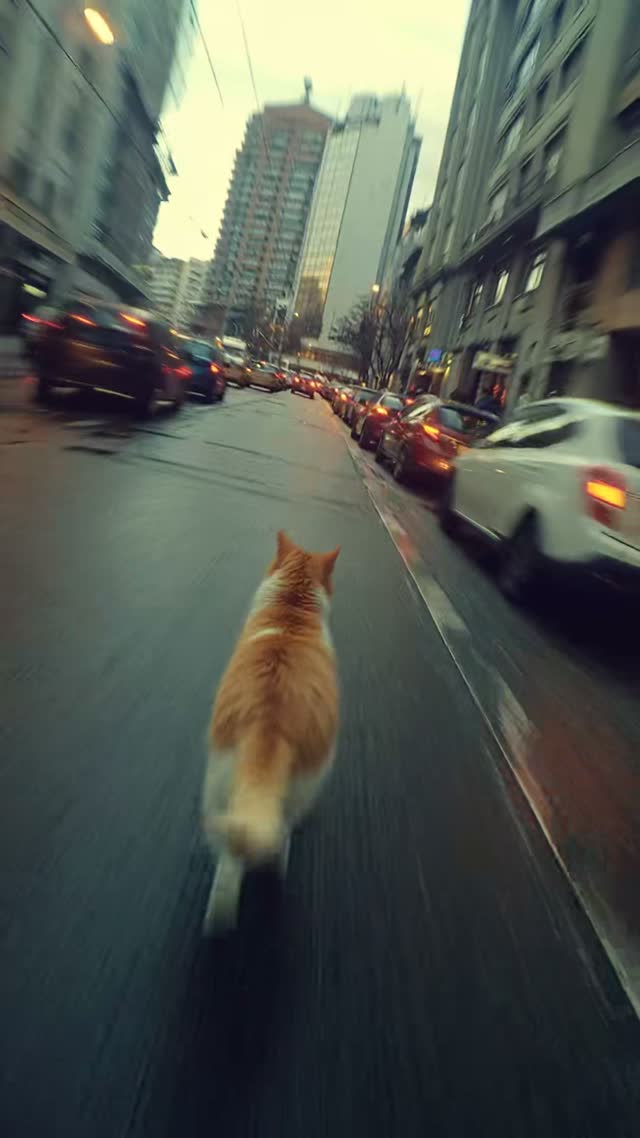
Move from a flat daytime scene to rain, mist, golden hour, or cinematic night lighting without reshooting.
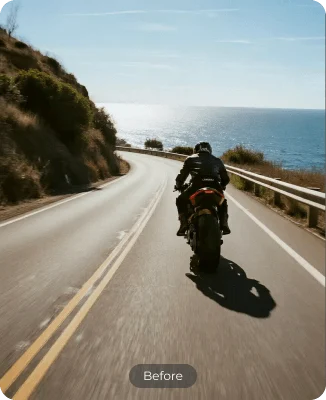
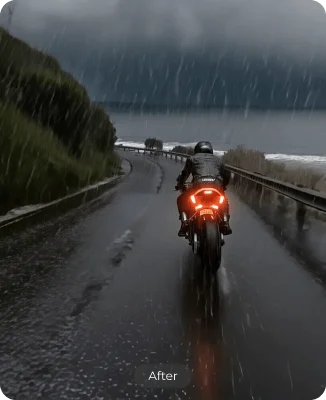
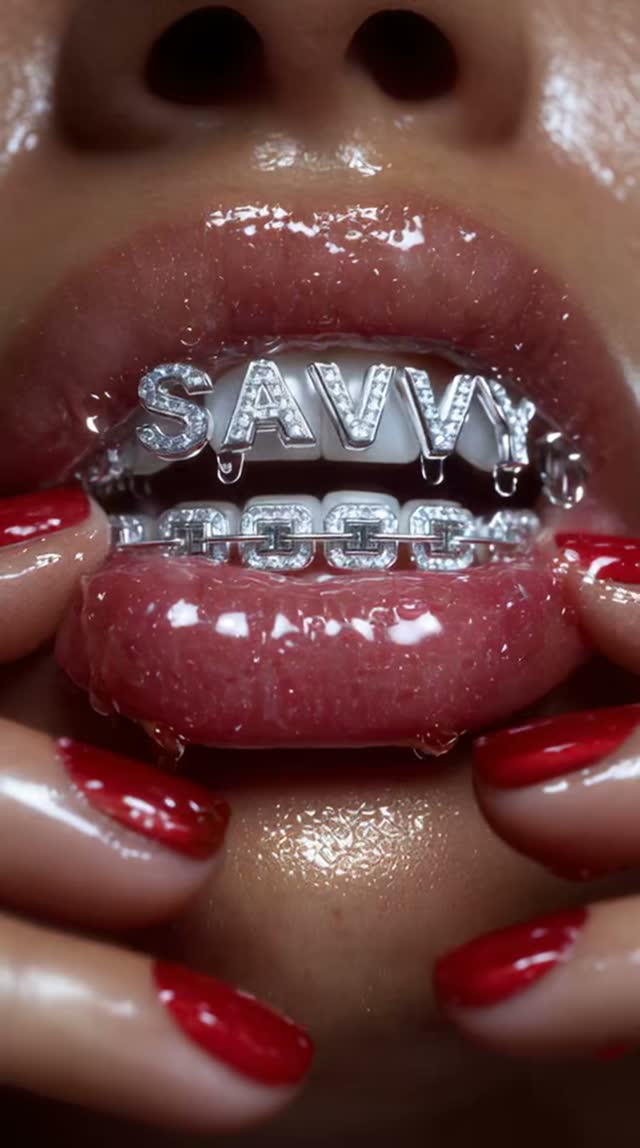
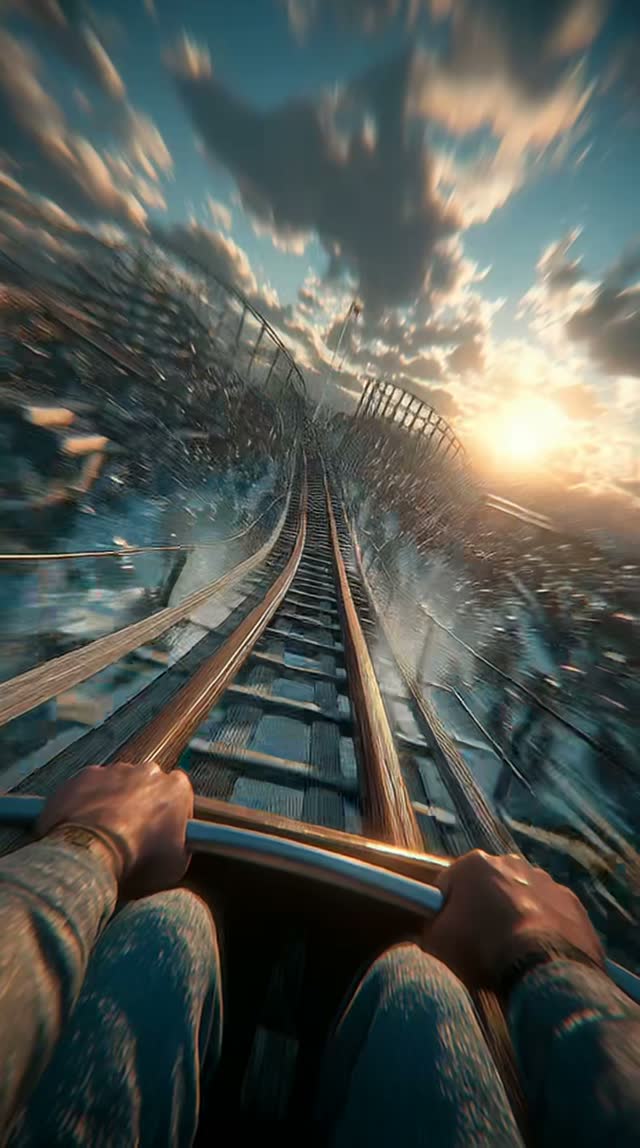
Introduce light, particles, energy, or stylized details while preserving believable depth and perspective.
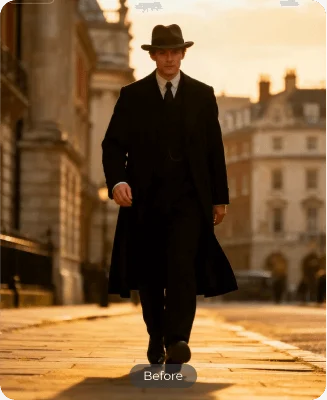
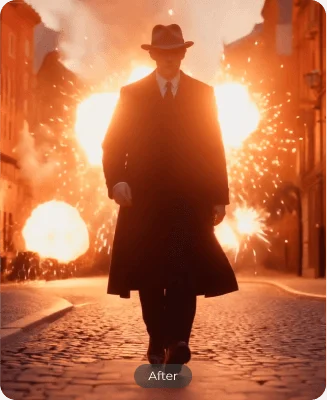
Remove distractions, props, people, or text and let AI reconstruct the missing pixels naturally.
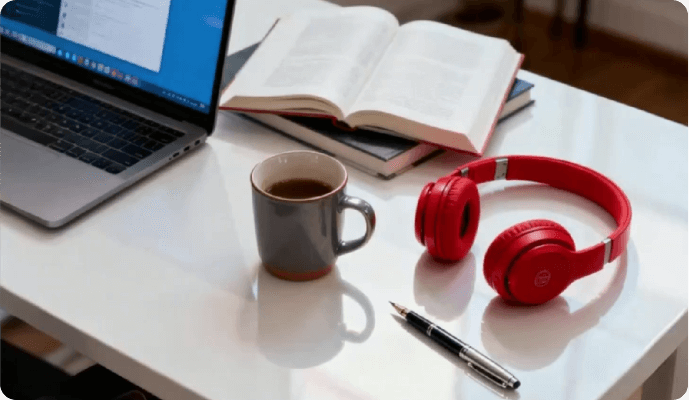
Place a portrait or product into a new environment without rebuilding selections, masks, or cutouts.
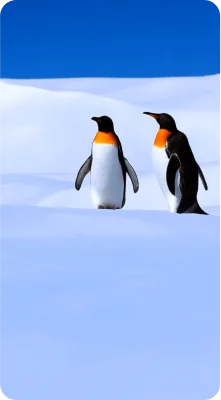
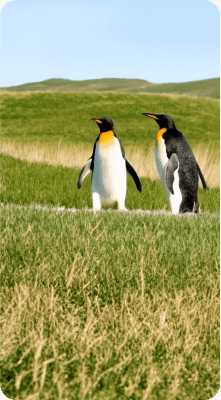
Create room for a banner, story, thumbnail, or a fresh camera perspective while keeping the central idea consistent.


Start with a clear PNG, JPG, WEBP, or AVIF source.
Say what should change and what must stay exactly the same.
Review the result, adjust your prompt, and continue in the workspace.
You can change backgrounds, remove or add objects, adjust lighting and color, restyle a photo, create product scenes, expand a composition, and generate variations. Available options can vary by model.
No. Describe the outcome in ordinary language. More specific prompts usually produce more controlled results, especially when you state what should remain unchanged.
This page accepts PNG, JPEG, WEBP, and AVIF images up to 15 MB. Individual AI models may have additional input requirements in the workspace.
Yes. Artaivo combines image and video workflows in one workspace, so an edited frame can become the source for an image-to-video generation.
You can open the editor and prepare an edit before signing in. Generation uses credits, and the exact cost is shown in the workspace before the task starts.
Bring one image and one clear instruction. Start the edit in your browser and continue with the result in the Artaivo workspace.
Start editing free