
Emphasize finish and detail
Use the AI product video generator from image for a slow push toward the label or hero feature while keeping the product centered and stable.
01Product photo to directed showcase clip
The AI product video generator from image animates a product photo with a chosen camera direction and written scene brief. Upload the approved still, guide movement, and review the generated clip before it enters a campaign.
1
product source
5
camera directions
1
reviewable clip
Working video generator
Add a product image, choose a camera motion, and tell the AI product video generator from image what should move and what must remain stable. The page keeps the product-focused workflow active and shows model-specific settings before generation.
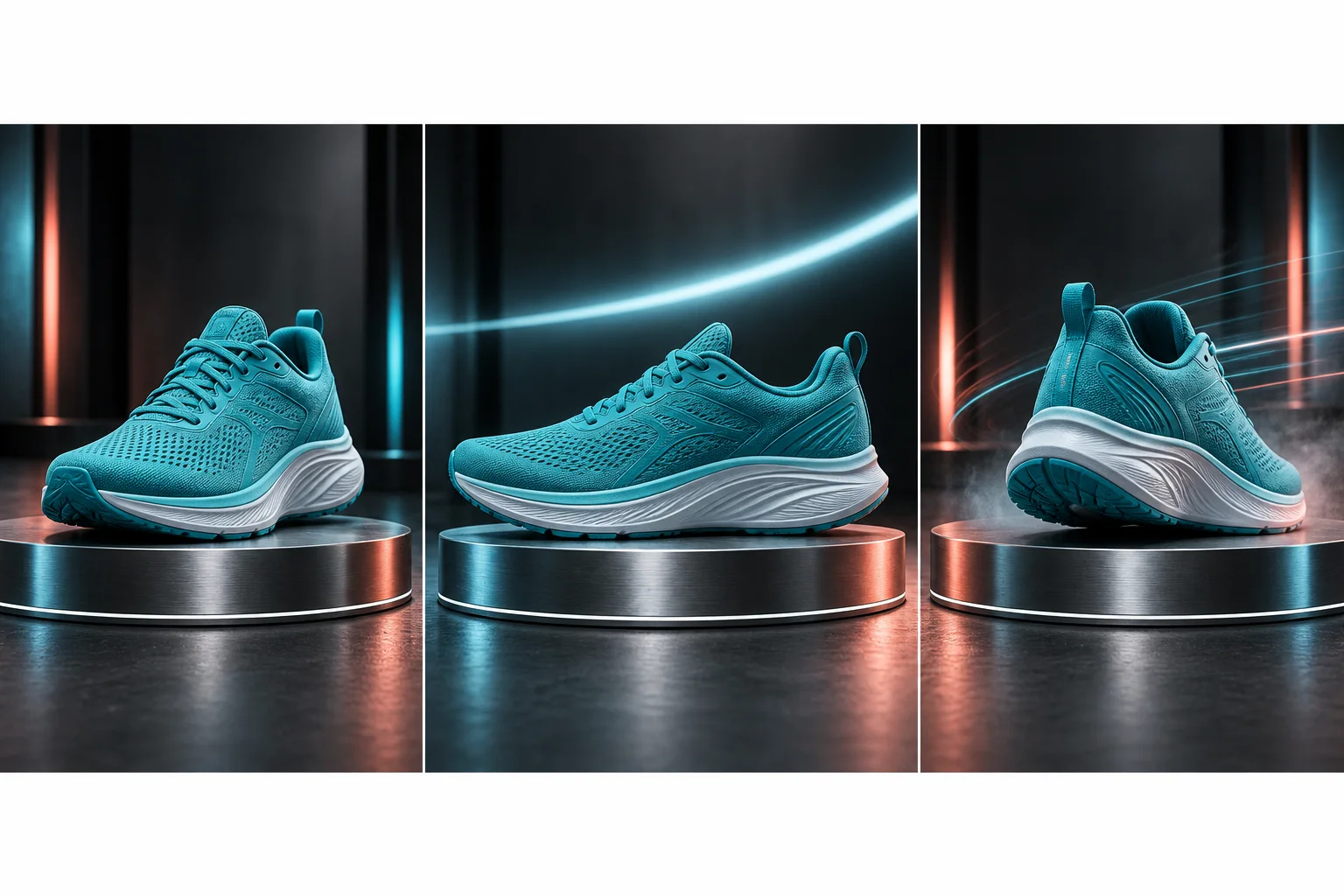
Motion with a clear focal point
A restrained push, pan, or orbit gives a still image energy without asking the model to invent more product geometry than the source can support.
A single-image video workflow
An AI product video generator from image starts with one visible product view and synthesizes the frames that follow. It works well for a short reveal, push-in, lateral slide, restrained orbit, or environmental movement when the source already communicates the product clearly.
Use the AI product video generator from image for a slow push toward the label or hero feature while keeping the product centered and stable.
01Ask the AI product video generator from image for a left-to-right or right-to-left camera move with subtle background parallax and minimal product rotation.
02A restrained arc lets the AI product video generator from image suggest depth, but a large orbit asks it to invent surfaces and should be reviewed more strictly.
03Choose the strongest approved product photo rather than asking the AI product video generator from image to fix every visual problem while animating it. The AI product video generator from image needs a sharp silhouette, readable major branding, believable light, and enough margin for motion. If the still has already passed product review, you have a reliable reference for comparing generated frames.
Camera direction in the AI product video generator from image changes the risk profile. A gentle push-in asks the AI product video generator from image to reveal less unseen geometry than a full orbit. A pan can preserve the front view while adding energy through background parallax. Handheld movement can feel natural, although excessive shake makes label and edge drift harder to detect.
The output is a generated clip, not a reconstructed three-dimensional model. The AI product video generator from image guesses surfaces that the source does not show. It may invent the far side during an orbit, change reflections between frames, or reinterpret tiny typography, so it cannot promise an exact 360-degree product view.
Prepare the product still
The AI product video generator from image treats the uploaded photo as its starting evidence. Clean edges, deliberate composition, and coherent lighting reduce the number of details that must be invented during the motion.
Use the original high-resolution still when possible. The AI product video generator from image cannot reliably restore a label that is already blurred or compressed.
Leave room in the intended movement direction. The AI product video generator from image may crop or stretch the composition when the subject already touches an edge.
Choose one clear hero product. The AI product video generator from image has a harder preservation task when several similar packages overlap or hide each other.
Remove temporary guides, watermarks, and editing handles before upload. The AI product video generator from image may animate those marks as if they belong in the scene.
Match the source orientation to the delivery channel. The AI product video generator from image offers model-specific aspect controls, but a composition designed for the chosen frame is safer than a severe recrop.
If the current background does not fit the campaign, finish that decision before AI product video generator from image animation. Use the product background page to create and approve a still, then bring the chosen result into the AI product video generator from image. This separates product staging from motion review and makes changes easier to trace.
Highly reflective, transparent, flexible, or liquid products require extra attention. The AI product video generator from image must synthesize changing reflections and material behavior across time. Keep motion modest, inspect several frames, and avoid claiming physical behavior that the original photo cannot prove.
Direct motion in layers
A concise prompt helps the AI product video generator from image understand which movement carries the shot. Lead with the product protection rule, name the camera path, describe one product action if needed, and finish with restrained environmental motion.
Tell the AI product video generator from image to push in, pan, hold, or orbit slowly. Avoid combining every move in one short clip.
01Ask the AI product video generator from image for a small turntable motion, lid lift, fabric movement, or no product motion, depending on what the still can support.
02Let the AI product video generator from image move steam, light, leaves, dust, or reflections gently while the product remains the visual anchor.
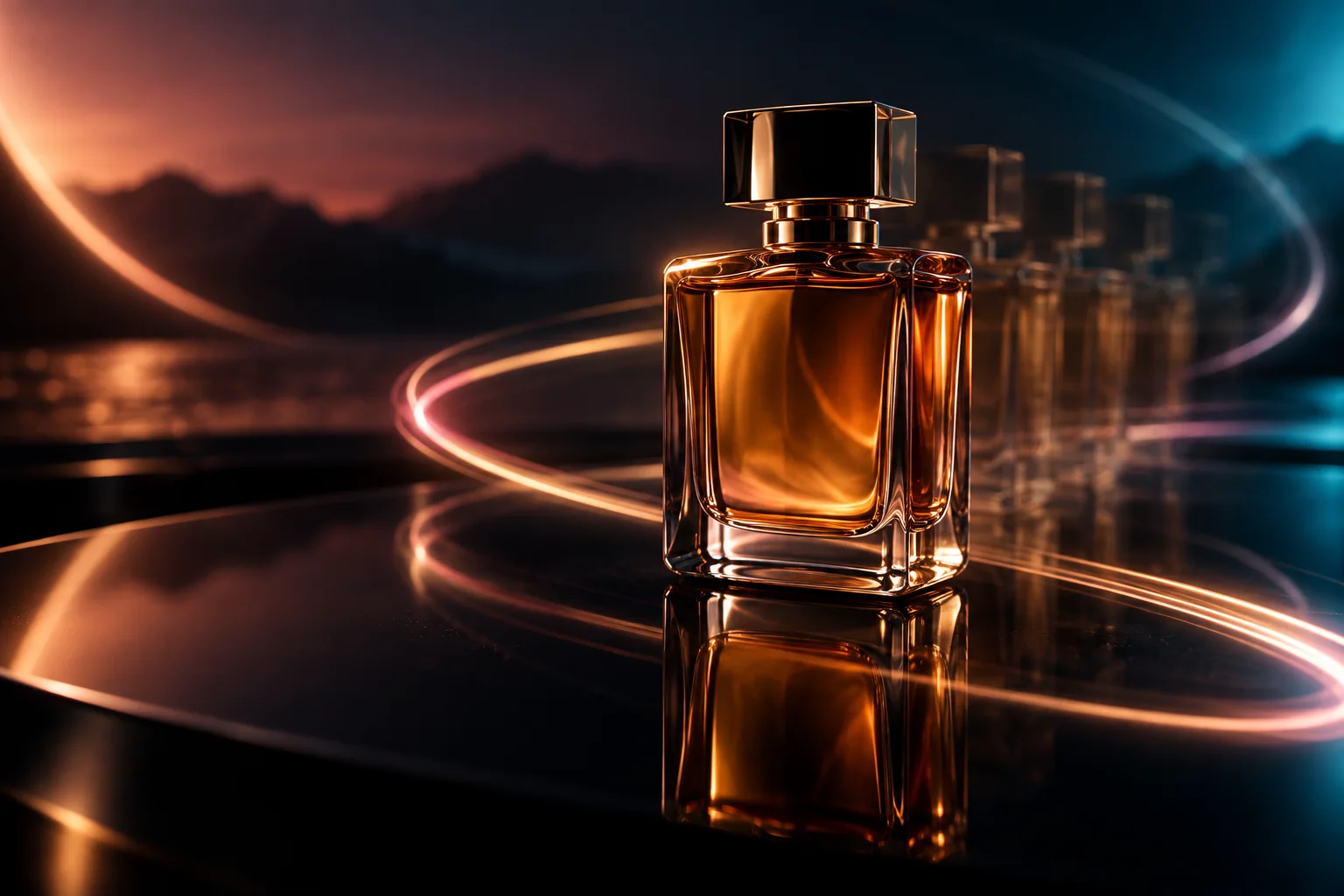
03A practical AI product video generator from image prompt is: preserve the exact bottle, cap, label, color, and proportions; make a slow camera push-in; keep the bottle still; move only the soft window reflection and a small leaf shadow; maintain the original warm studio light. The AI product video generator from image receives that prompt with the product reference and selected camera option.
Change one AI product video generator from image variable between attempts. If the product stays stable but the shot feels flat, adjust camera speed or environmental movement. If the AI product video generator from image deforms the label, reduce motion and strengthen the identity instruction instead of adding a longer list of cinematic effects.
Duration, format, and cost
The AI product video generator from image lists only compatible generation models from the current catalog. Each model can expose a different duration, aspect ratio, resolution, sound option, and credit estimate, so the controls in the workbench are the source of truth for the selected run.
Confirm the product identity in the opening, middle, and final frames. The AI product video generator from image can drift after a convincing first frame.
Pause on fast movement to inspect logos, controls, seams, and package text. The AI product video generator from image can hide deformation inside motion blur.
Watch the product contact point, reflection, and shadow. The AI product video generator from image may make an object float or slide without a physical reason.
Review audio separately when the chosen model generates sound. The AI product video generator from image does not verify brand-safe music, claims, or spoken content for you.
Choose the shortest AI product video generator from image duration that completes one clear motion. The AI product video generator from image is designed for a generated showcase clip, not an automatically edited full advertisement with script, captions, voice-over, music, offer card, and multiple scenes. You can assemble approved clips into a broader campaign elsewhere.
For vertical delivery with the AI product video generator from image, begin with a product composition that has room above and below the subject. For horizontal delivery, leave side space for the camera path. The AI product video generator from image may offer aspect choices through the selected model, but it does not guarantee that one source crop works equally well in every format.
The AI product video generator from image workbench shows an estimated credit cost before submission. The AI product video generator from image requires sign-in and sufficient credits for generation, and the amount can change with model and parameters. Do not assume that a label such as standard, pro, high resolution, or sound has the same cost across models.
Use the clip responsibly
The AI product video generator from image can create a strong visual draft quickly, but the final campaign should represent the real item. Compare frames with approved product photography and remove versions that change material, dimensions, packaging, included parts, or usage.
New viewpoints from the AI product video generator from image deserve the strictest review because they are generated guesses. If the AI product video generator from image shows a back panel, opening, interior, connector, or mechanism that was not visible in the source, do not treat it as factual. Prefer a smaller camera move or supply a workflow with more verified visual evidence when accuracy is essential.
A single AI product video generator from image clip is not a complete ad. The AI product video generator from image provides motion footage that can support a larger edit. Claims, pricing, captions, calls to action, disclaimers, music rights, pacing, and platform delivery still need their own decisions outside this focused page.
Keep the original image, AI product video generator from image prompt, chosen model, AI product video generator from image settings, and accepted output together. That record makes it easier to reproduce a direction, compare attempts, and explain what was generated. The AI product video generator from image also places completed results in the signed-in generation history for review and download.
Connected workflow
Use the parent workflow for portraits, landscapes, illustrations, and other image animation tasks beyond products.
Create and approve a studio or lifestyle setting before adding motion to the product still.
Use two endpoint images when the ending composition needs more guidance than a single source can provide.
Practical answers
Upload one product still, choose a camera motion, write a focused direction, select a compatible model, review its parameters and estimated credits, then generate. The AI product video generator from image synthesizes the new frames and returns a clip for inspection and download.
The AI product video generator from image can suggest an orbit, but one photo does not contain an exact rear view. Any newly revealed surface is a model guess, so this page does not promise an accurate 360-degree reconstruction.
The product workflow asks the AI product video generator from image to preserve geometry, branding, color, and material. Small letters can still drift across frames. Review the clip frame by frame and use a gentler movement when exact packaging matters.
Available aspect ratios depend on the selected compatible model. When a vertical option is shown, compose the source with suitable headroom and side clearance. The AI product video generator from image cannot guarantee a clean vertical crop from every horizontal still.
The AI product video generator from image shows an estimated credit cost based on the selected model and parameters. Generation requires sign-in and sufficient credits; the page does not promise unlimited free videos.
No. The AI product video generator from image creates one generated product showcase clip. A complete advertisement may also need an approved claim, script, voice, captions, music, offer, call to action, disclosure, and final edit.
Upload the approved still, protect product identity, choose a movement, and let the AI product video generator from image produce a clip you can review frame by frame.