
Your imagination. In focus.
AI Photo Maker
A thought.
A mood.
A photograph.
Dream up the scene. Pick a direction. Turn your words into a photo worth a second look.
Text to image · Sign-in and credits required
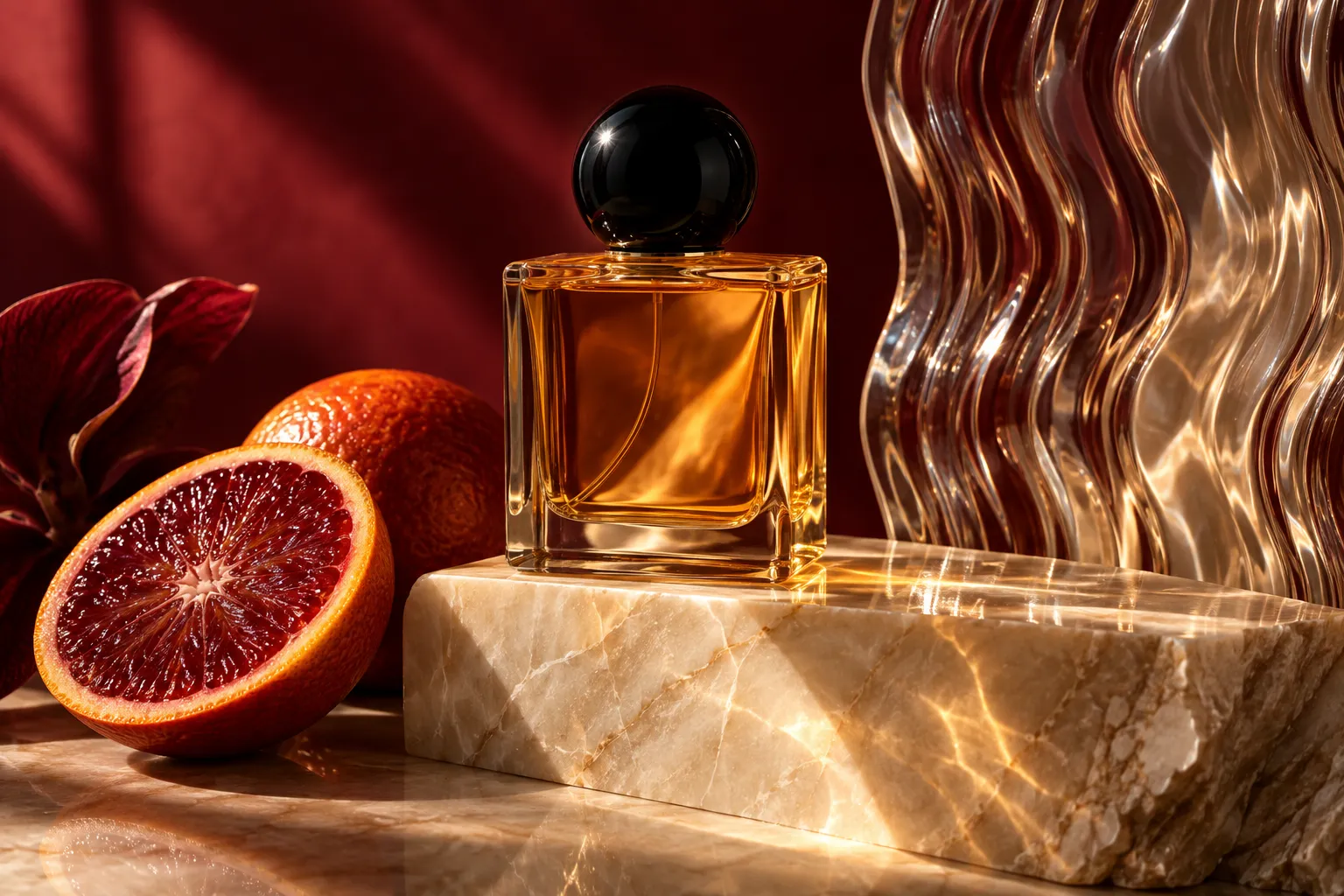

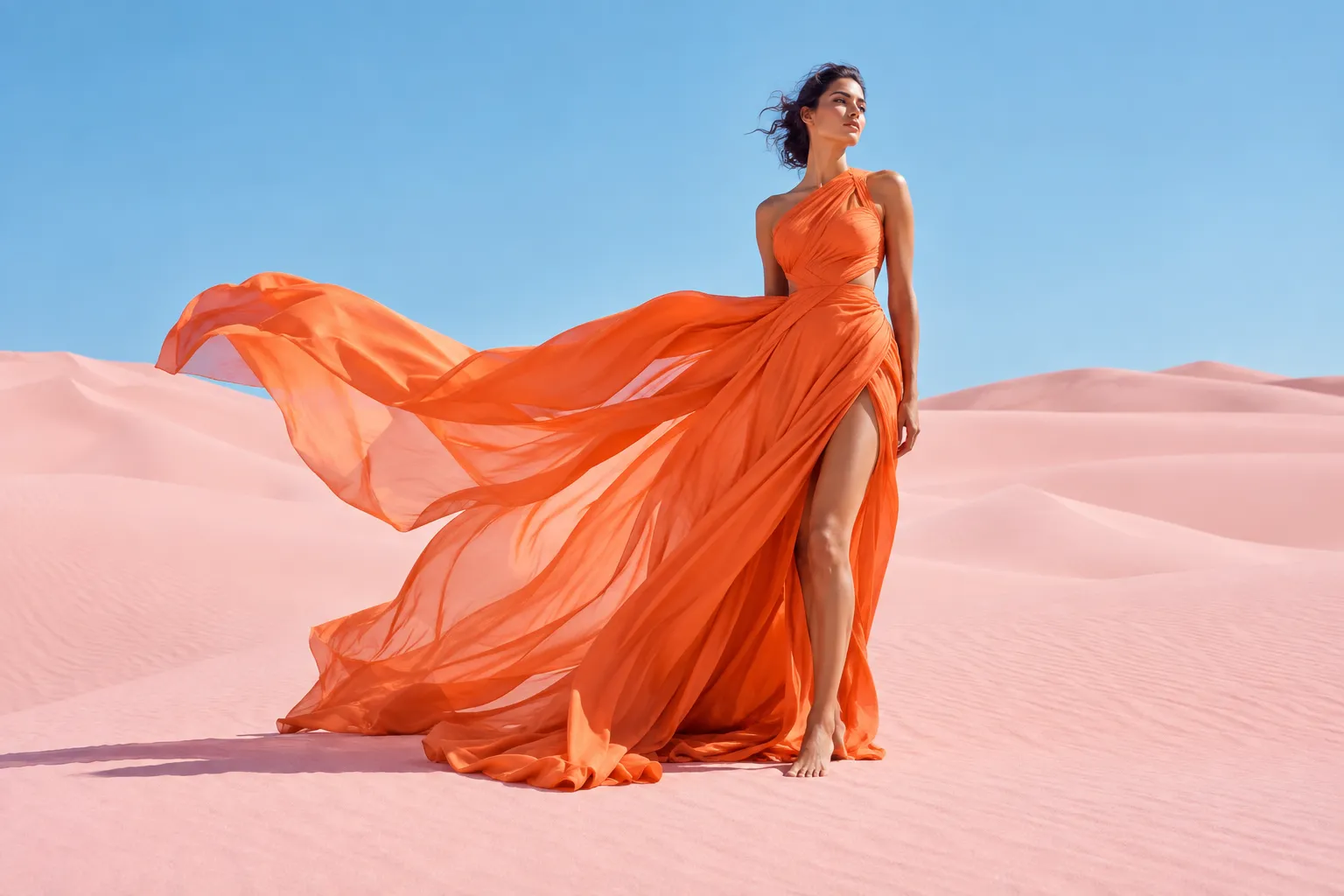
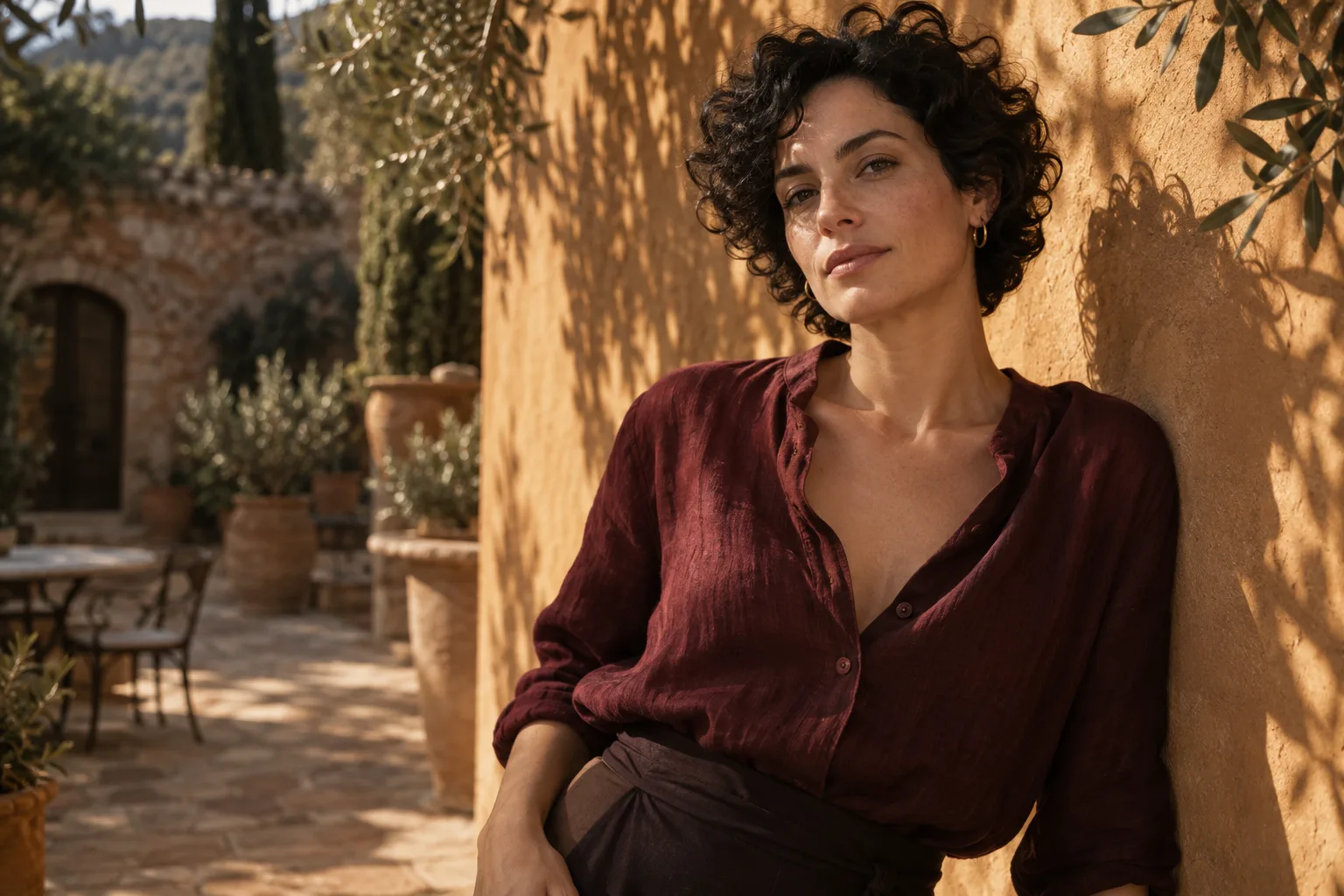
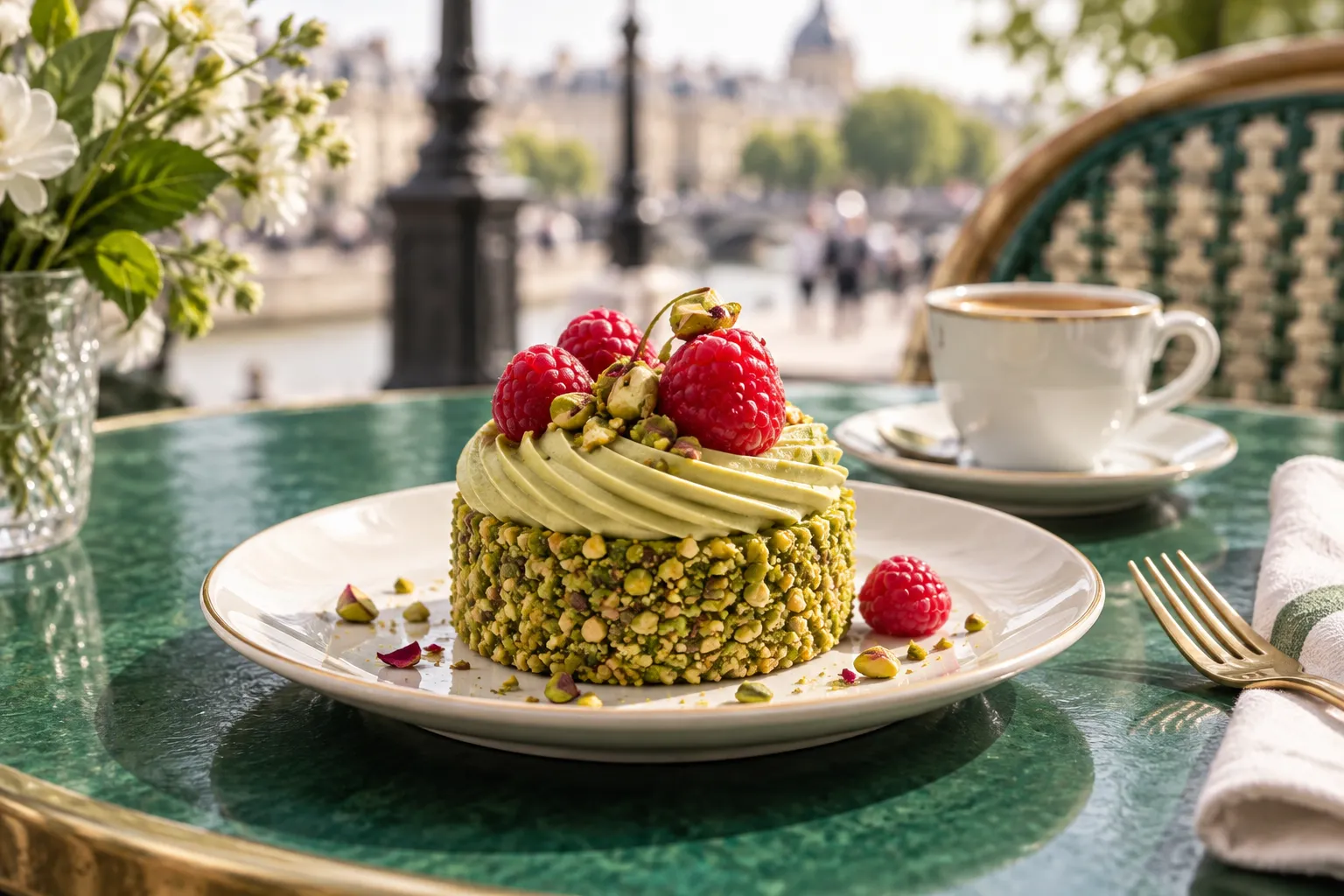
The inspiration wall
What will you make?
People
Chasing the sun
People
A little more dramatic
Places
Somewhere you want to be
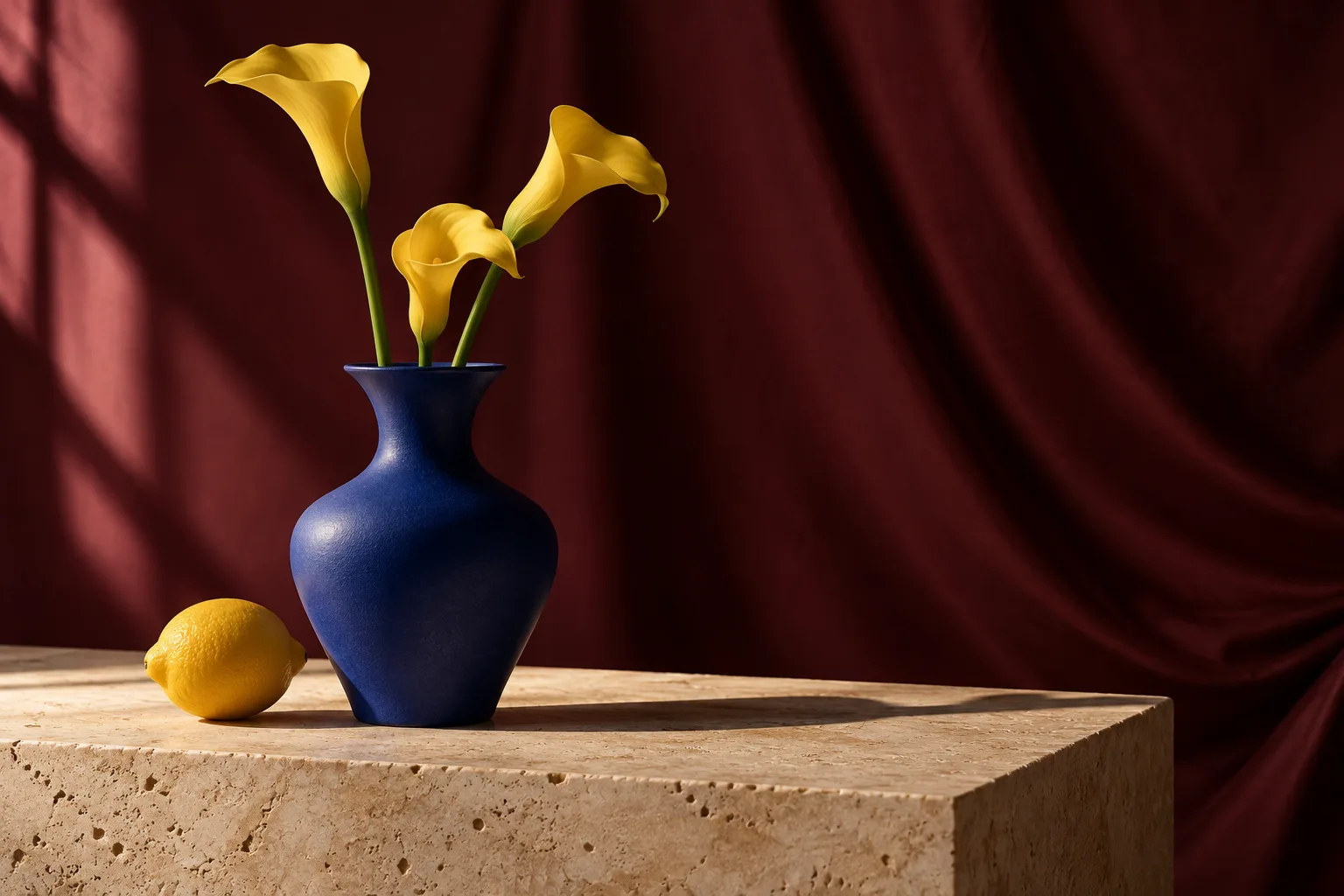
Objects
Everyday, reimagined
Objects
Almost too good to eat
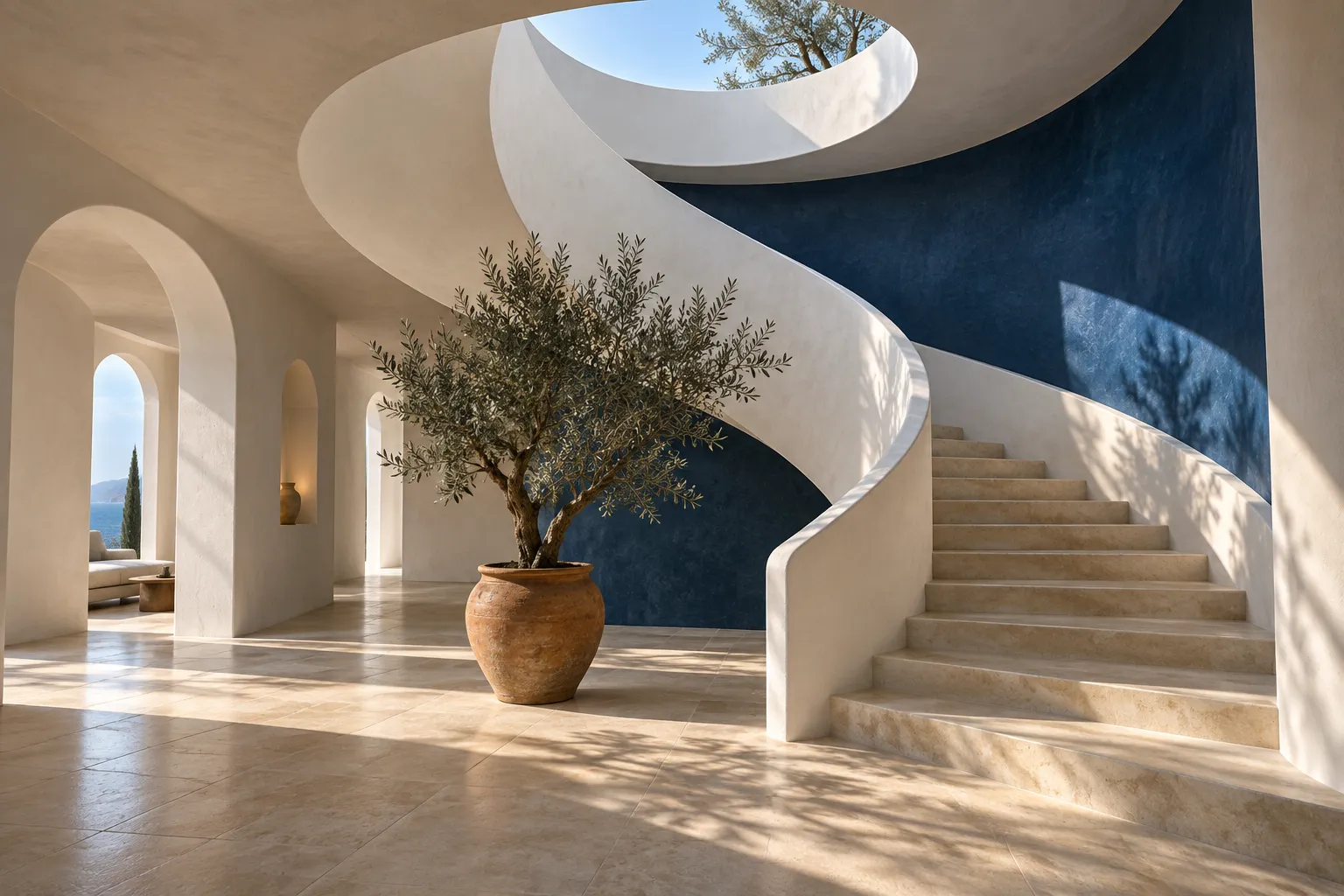
Places
Space to dream
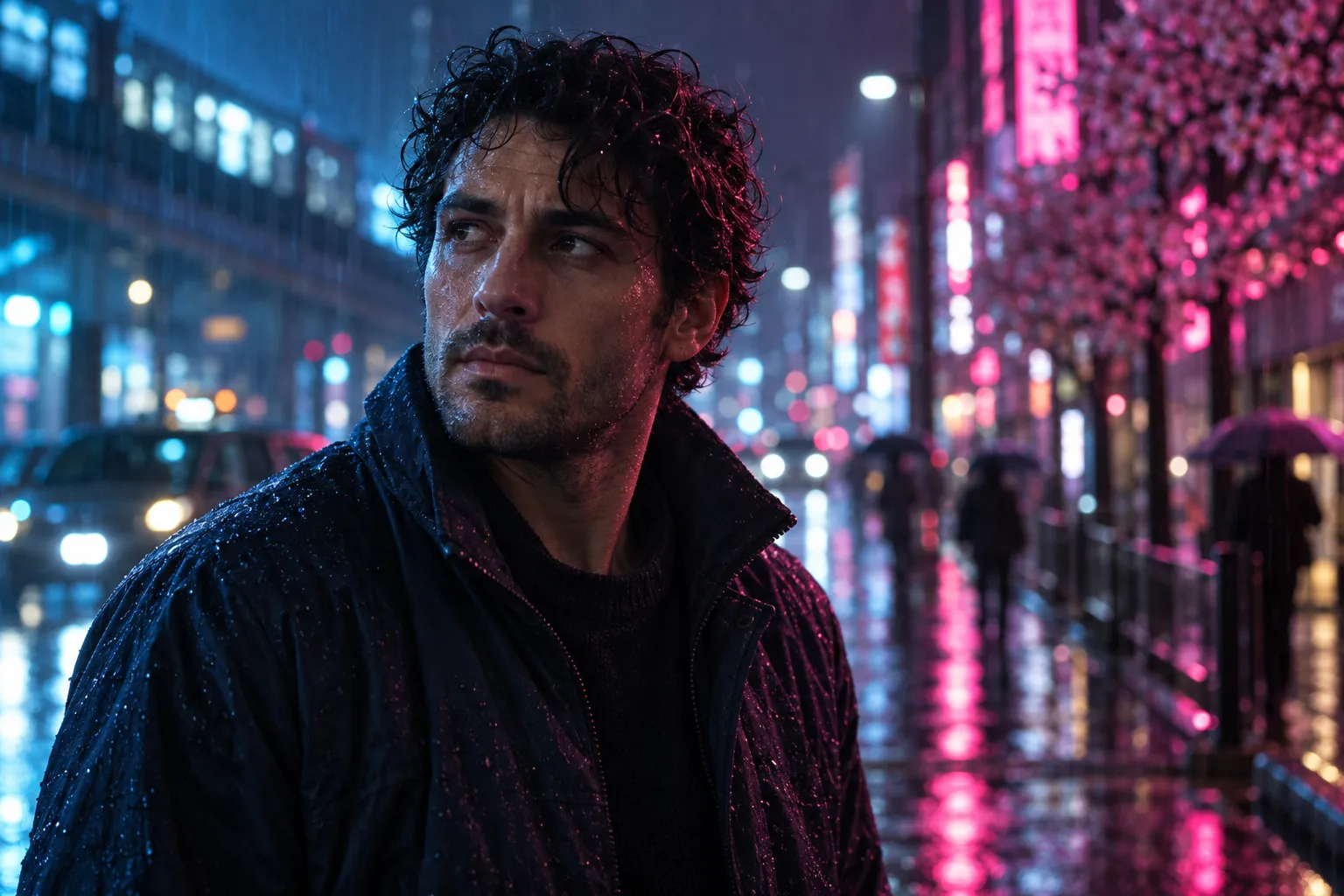
People
After the city sleeps
Objects
Make the ordinary glow
AI-created inspiration. Prompts are starting points; selected models produce their own results.
Make something only you imagined
Your AI photo maker studio.
Choose a look above or write your own brief. Check your model and credits before generating.
The light is the story
Find your
kind of mood.
A few words change the direction. Explore three visual briefs, then make one your own.
Warm light · Natural textureFrom idea to image
Three moves. Your vision.
Give it a little direction.
Choose a subject, a setting, and the light. Start simple.
Find the right frame.
Select a model and settings. Review the credits before you go.
03 / CREATE
Meet your next idea.
Generate, review the details, and download your favorite result.
A little help, when you need it
Make a better
creative brief.
Practical notes for your AI photo maker. Open just the topic you need.
01Start with a scene, not a settings manual.+
An AI photo maker is an AI photo generator that turns a written description into a new image. Unlike a camera, it does not record an event that happened. Use the AI photo maker to explore a scene you can imagine: a quiet courtyard portrait, an editorial still life, or a coastal morning for a moodboard.
This AI photo maker focuses on text to image creation. You do not need a source photograph to begin. If you already have an image and want to change its background, clothing, or details, open the linked image editor instead. Keeping those two jobs separate helps the AI photo maker give your original idea a clear starting point.
02Give your AI photo maker a useful brief.+
Start with one subject and one setting. Add the light direction, camera distance, and the material details that matter. A useful AI photo maker prompt might describe a ceramic cup on a stone table, photographed close up beside a window. Keep your first AI photo maker brief simple enough to judge.
Use the AI photo maker examples above as starting points, then replace the subject with your own idea. The AI photo maker interprets descriptions rather than operating a real lens, so phrases such as shallow depth of field describe a desired appearance, not guaranteed camera settings.
03Make realistic AI photos with considered light.+
Light gives a scene shape. Tell the AI photo maker whether you want soft window light, overcast daylight, a warm sunset, or a hard studio shadow. Add where the light comes from and which surfaces should catch it.
An AI photo maker can still produce unusual hands, inconsistent reflections, or surfaces that look too smooth. Inspect those details before using a result. If the scene feels artificial, simplify the prompt and describe a more ordinary environment. The AI photo maker is a way to explore photographic ideas; realism remains something to evaluate in each individual output.
04AI photo maker portraits with a point of view.+
Use the AI photo maker for fictional portraits, character moodboards, or an editorial concept. Specify an adult subject, expression, clothing, and a setting that supports the story.
This AI photo maker does not train a personal identity model or promise to reproduce a real person from text. A generated face is not evidence of a real photoshoot. If your task starts with your own photograph, continue in the image editor. Review the AI photo maker result for facial details and choose a depiction that fits the context where you will publish it.
05An AI photo maker for still-life ideas.+
An AI photo maker can help you explore product photography concepts before arranging a physical shoot. Describe an unbranded object, a surface, a backdrop, and the space around it. Ask the AI photo maker for room beside the subject when the finished layout needs a headline or caption.
Text generation can invent packaging details, dimensions, and labels. Use an AI photo maker concept as visual direction, not as a verified photograph of an item you sell. When accurate product appearance matters, begin with a real product image in the linked background tool and review that output too. The AI photo maker is especially useful for testing composition and color relationships.
06Choose a model, then review the settings.+
The AI photo maker loads the image models currently available in your workspace. Aspect ratio, output format, and other options vary by model; not every model offers the same choices.
The AI photo maker uses your account and generation credits. Check the displayed cost for the model and settings you select, then submit when the brief is ready. Availability and processing time can vary. The AI photo maker shows task status and a result when generation completes, rather than promising that every request will finish within a fixed number of seconds.
07Review the image before you download.+
When the AI photo maker returns a result, examine it at a useful viewing size. Look at faces, fingers, object edges, lettering, and reflections.
If a request fails, read the error before trying again. Check your connection, account, credits, and the selected settings rather than submitting repeatedly. The AI photo maker uses remote generation services; this is not a local or offline image tool. Avoid including information you do not want processed by those services in your AI photo maker prompt.
08From one image to your next creative step.+
An AI photo maker is often the beginning of a larger project. Decide what you need next: change the picture with the image editor, explore extra detail with the upscaler, or add motion with the image to video tool.
Those related tools have their own inputs, settings, and credit requirements. The AI photo maker does not automatically complete those steps or guarantee a particular resolution across every model. Keep the original download before continuing. Use the AI photo maker to establish the scene first, then make the next change with a tool suited to that specific task.
Good questions.
Is this AI photo maker free?
Browsing the page and preparing a prompt do not start a paid generation. The AI photo maker requires sign-in and sufficient account credits to generate. The selected model and settings determine the displayed cost. Check your balance and the current pricing page; this is not an unlimited free generator.
Can I use the AI photo maker from a photo?
This page starts from text. To change a photograph you already have, open AI Image Editor through the related link. The AI photo maker and image editor serve different starting points, so your existing photo belongs in the editing workflow rather than the text-only form.
Will an AI photo maker reproduce the example exactly?
No. The gallery contains AI-created inspiration images prepared for this page, not verified outputs from every selectable model. You can load a related prompt, but the AI photo maker may produce a different composition, face, or lighting. Review your own generated result before using it.
Can I use the AI photo maker on my phone?
You can open the AI photo maker in a mobile browser, choose an available model, and write a prompt. Keep the page open while checking the task status. Output viewing and download behavior can depend on your browser; save a copy before starting further edits.
Does the AI photo maker guarantee accurate text or faces?
No. An AI photo maker can misinterpret lettering, anatomy, or fine details even when the overall scene looks convincing. Inspect the output carefully. For important names or captions, adding typography in a dedicated design editor gives you more direct control over the final wording.